OP
OP

Yock
Well-Known Member
- Thread starter
- #16
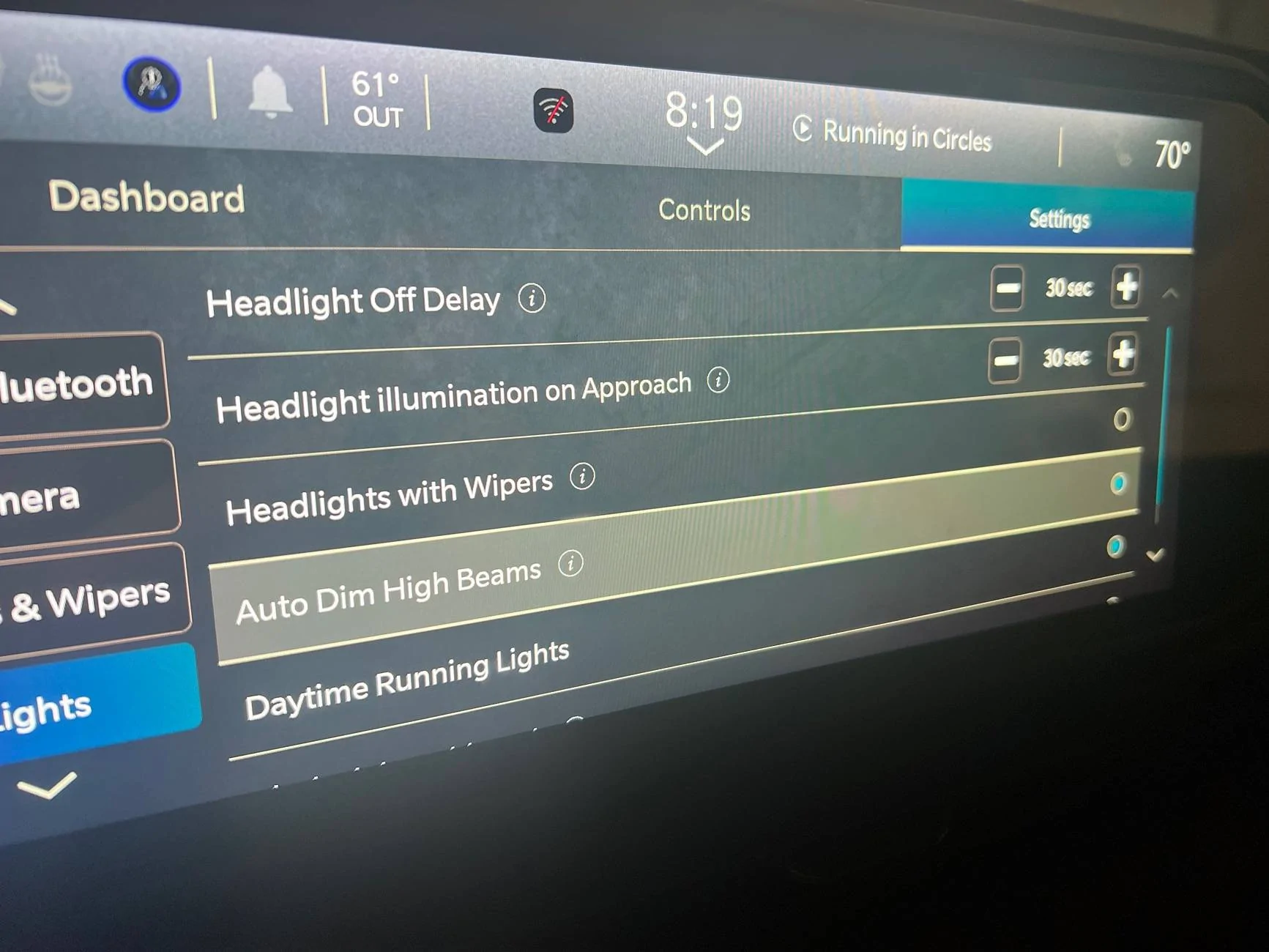
Success! I was able to plug in the bypass module mentioned above and change the settings. Purchase the items above, download the app, plug it into your vehicle, buy the license for your vehicle.
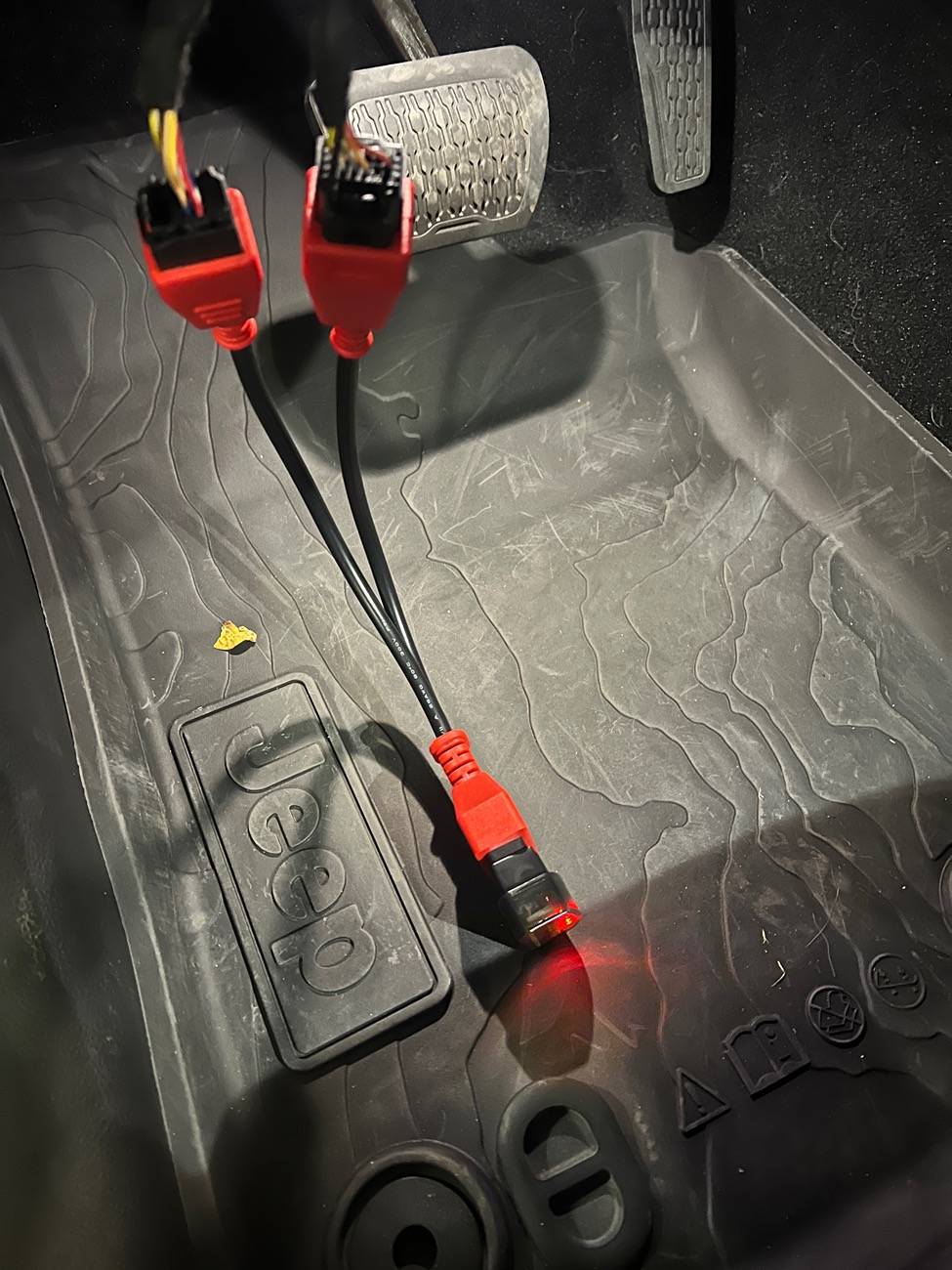
To plug in the bypass module I also highly recommend the extension cable mentioned above. You’ll just need to pop off the knee panel under the wheel. After that you’ll contortion yourself to unplug the two cables from the module, pop them into the extension (small first, then big. I couldn’t do it the opposite way.) These can help find it:
https://jscan.net/wp-content/uploads/2021/11/JT.png
https://jscan.net/jl-jt-security-bypass/
Once that's done plug in the bypass cable, then the bluetooth adapter, and connect with the instructions they give. In the app go to adaptations, then to auto headlamp on/off (top option for me.)
First find “auto high beam module location” and set that to “IRCM”.
Then you can set “auto high beam on/off” to “active”.

To plug in the bypass module I also highly recommend the extension cable mentioned above. You’ll just need to pop off the knee panel under the wheel. After that you’ll contortion yourself to unplug the two cables from the module, pop them into the extension (small first, then big. I couldn’t do it the opposite way.) These can help find it:
https://jscan.net/wp-content/uploads/2021/11/JT.png
https://jscan.net/jl-jt-security-bypass/
Once that's done plug in the bypass cable, then the bluetooth adapter, and connect with the instructions they give. In the app go to adaptations, then to auto headlamp on/off (top option for me.)
First find “auto high beam module location” and set that to “IRCM”.
Then you can set “auto high beam on/off” to “active”.
Sponsored
Last edited: