Sponsored

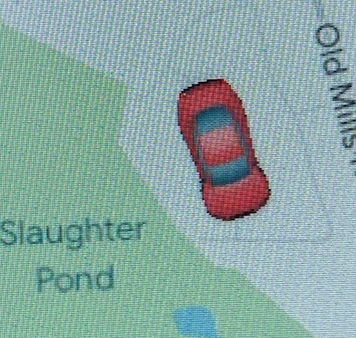
U-connect and/or Carplay update changes the blue arrow on Google maps to a pic of a small vehicle...?

gonemad

Well-Known Member
Joined
Jul 24, 2024
Threads
15
Messages
426
Reaction score
735
Location
fringes of RTP
Vehicle(s)
’25 JT Rubicon, '24 FLHP Road King police
Occupation
retired headhunter
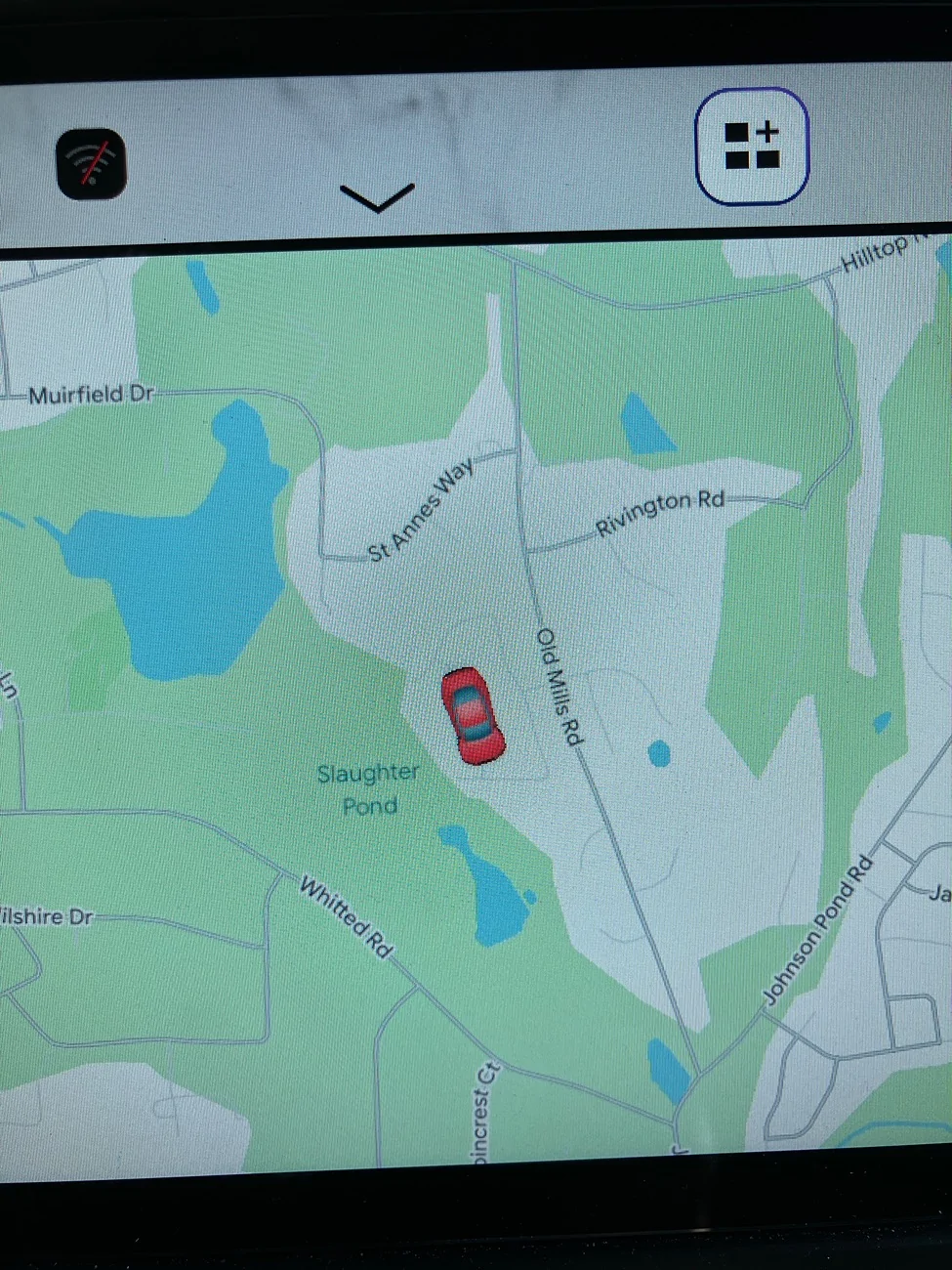
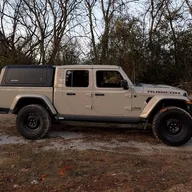
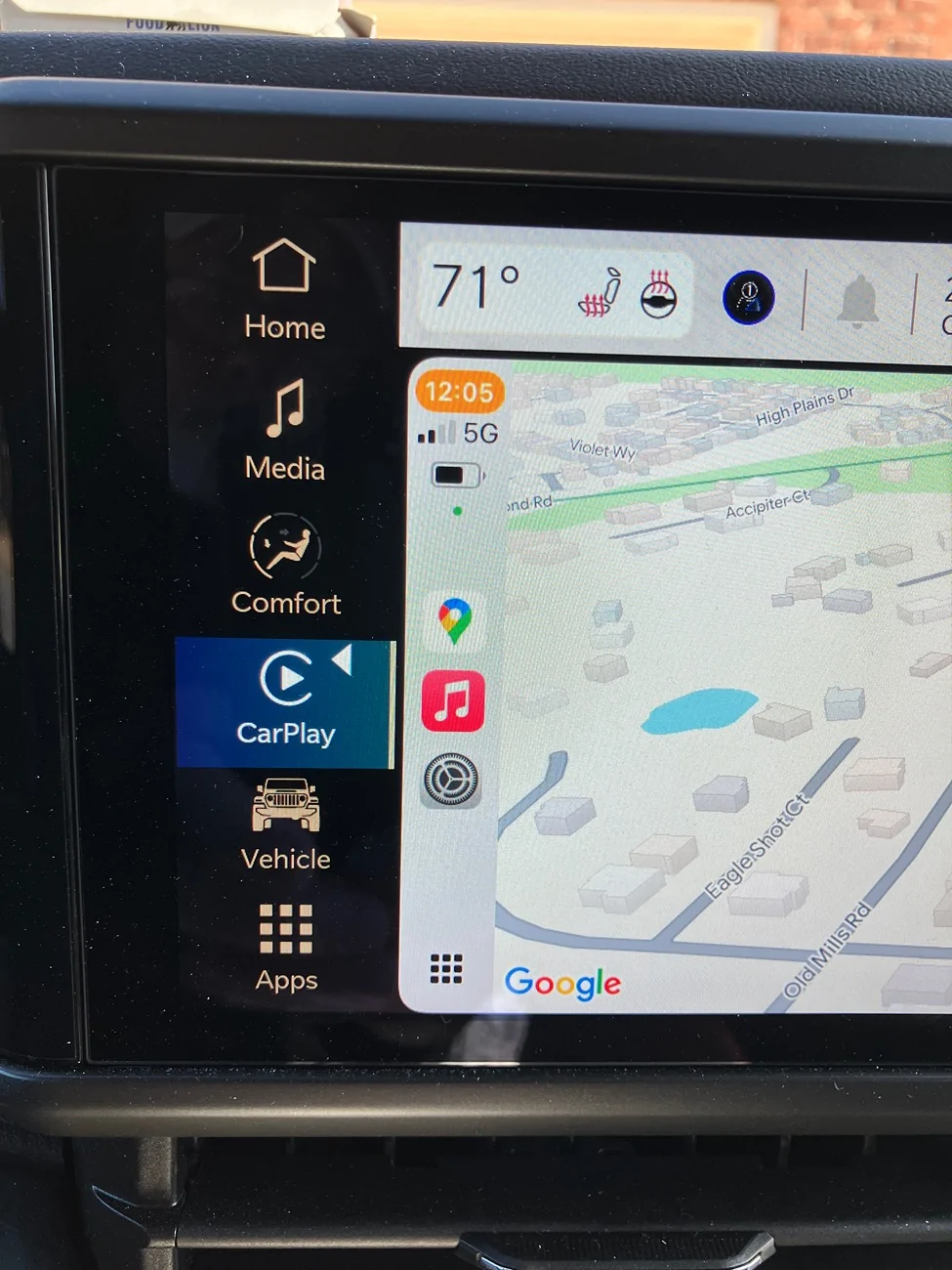
I think it’s cute and all that, and the same color red as my Gladiator, but at speeds under 40 you can’t really tell which direction the little emoji/icon thingy is moving on the nav map, and there is no clear front or rear to the little picture. It doesn’t do this on Apple maps. It’s sort of confusing if moving through the woods, or a new to you neighborhood, or town, and trying to tell where you are headed on the map at lower speeds. I just prefer it the way it was before.

Is there a setting somewhere to change this back to the formerly default blue arrow on Google maps? I’ve looked and I’m not seeing one.

Thanks in advance.

Jeep Gladiator U-connect and/or Carplay update changes the blue arrow on Google maps to a pic of a small vehicle...? IMG_5340
Sponsored


Stoon_Slar

Active Member
First Name
Darryl
Joined
Mar 11, 2025
Threads
3
Messages
40
Reaction score
34
Location
Canada
Vehicle(s)
2022 Gladiator Willys eco-diesel
Occupation
Cinematographer
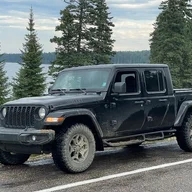
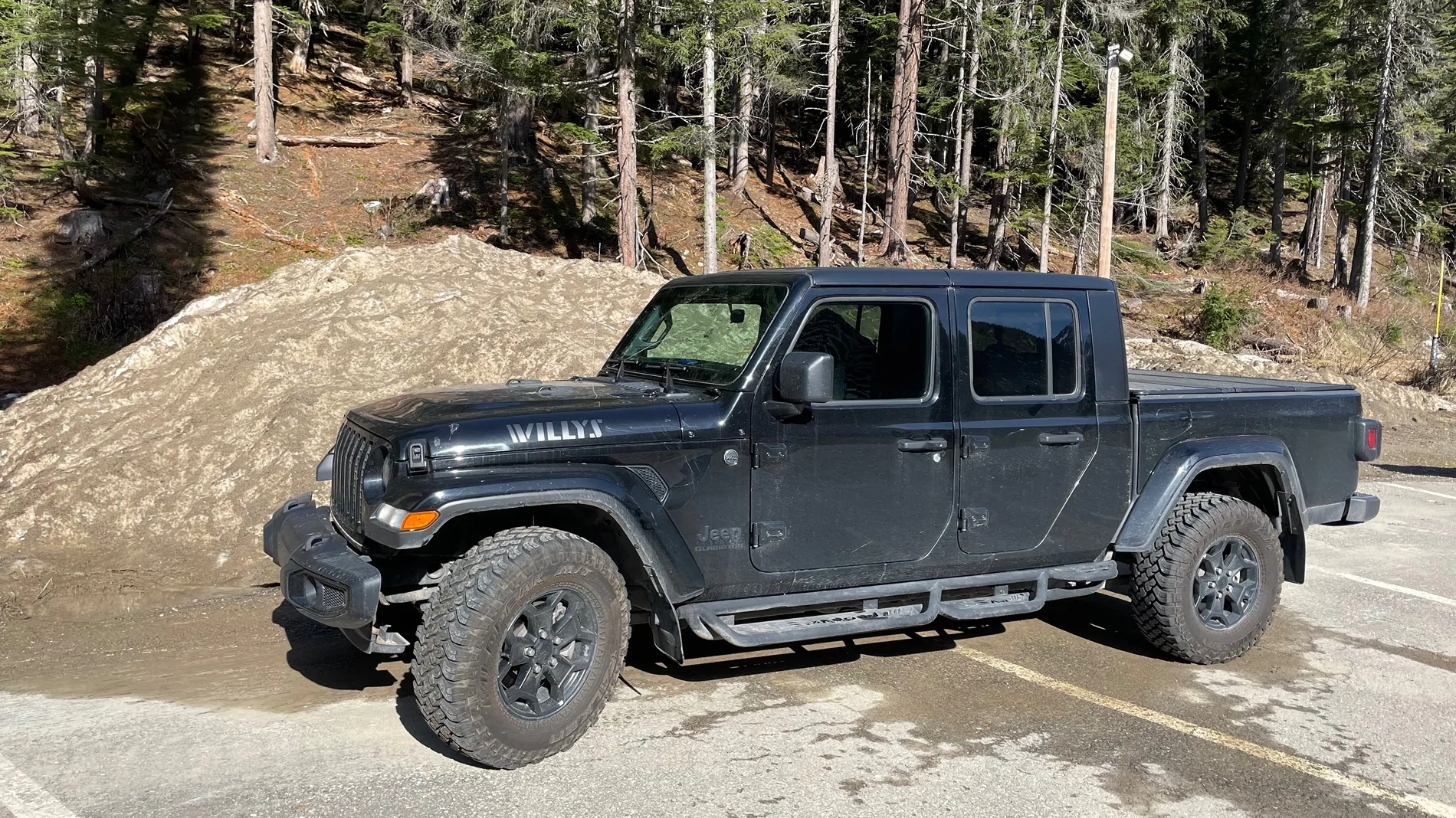
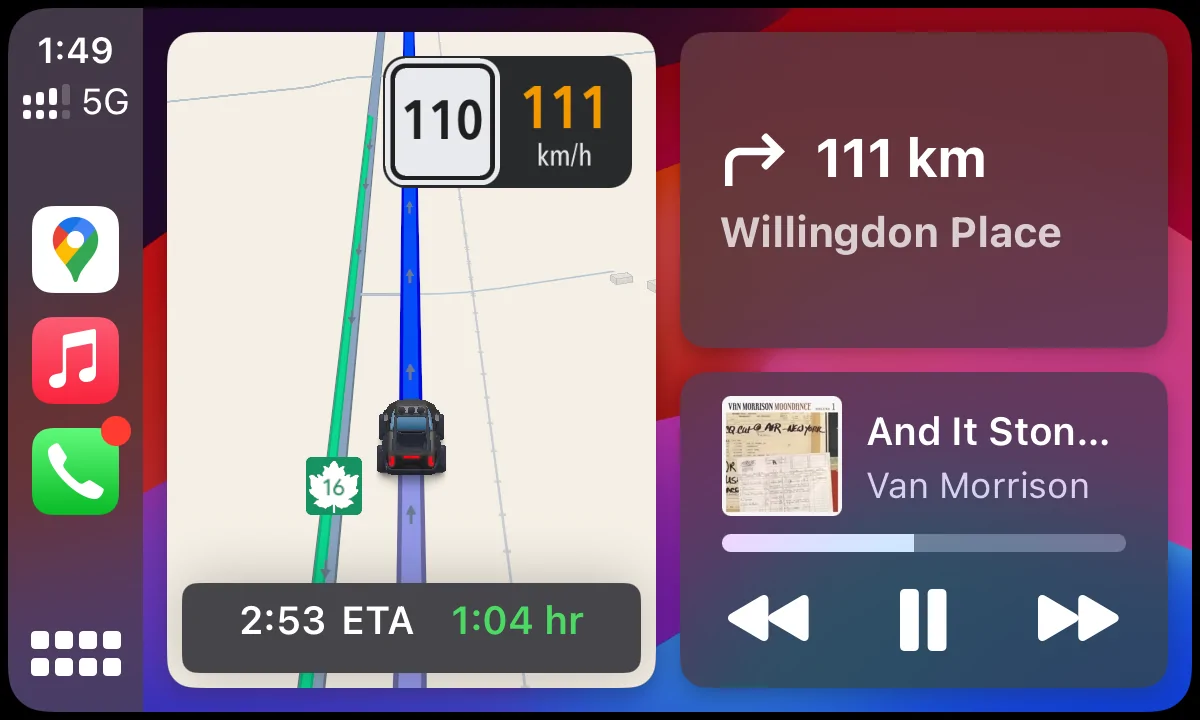
if you change it on you phone, you see the options. Made mine a black truck that looks a little like my Glad.
Jeep Gladiator U-connect and/or Carplay update changes the blue arrow on Google maps to a pic of a small vehicle...? IMG_9865

Jeep Gladiator U-connect and/or Carplay update changes the blue arrow on Google maps to a pic of a small vehicle...? IMG_2623
 

Thunderspud

Well-Known Member
First Name
Angus
Joined
Jun 28, 2023
Threads
4
Messages
502
Reaction score
865
Location
Great Smoky Mountains of East Tennessee
Vehicle(s)
2020 Gladiator Rubicon, 2012 Grand Cherokee, 1973 J10, 2021 Mahindra Roxor
if you change it on you phone, you see the options. Made mine a black truck that looks a little like my Glad.
Waze on AA has something similar. At some point, the ladyfriend made mine some dragon as a joke. Took me six months to figure out where the setting was, although I wasn't really looking all that hard, I suppose. I ended up leaving it the way it was, and also adding Mr.T voice directions for when I really wanted to annoy people.
 
Last edited:
OP
OP
gonemad

gonemad

Well-Known Member
Joined
Jul 24, 2024
Threads
15
Messages
426
Reaction score
735
Location
fringes of RTP
Vehicle(s)
’25 JT Rubicon, '24 FLHP Road King police
Occupation
retired headhunter
if you change it on you phone, you see the options. Made mine a black truck that looks a little like my Glad.
IMG_9865.webp

IMG_2623.webp
See the thing is, I didn’t make the change. One day I got in, Carplay came up as usual, and the Google maps arrow had changed to the red vehicle you see below in the pic I posted. You can’t tell which direction it’s moving on the map at lower speeds unless you stare at it. That pic below is blown way up. I just want to change it back to the blue arrow, if possible.

Interestingly, my Carplay/Google maps screen looks nothing like yours on my ’25 JT.

As of now, the little icon is a red push me/pull you.

Jeep Gladiator U-connect and/or Carplay update changes the blue arrow on Google maps to a pic of a small vehicle...? 1765812959391-l

Jeep Gladiator U-connect and/or Carplay update changes the blue arrow on Google maps to a pic of a small vehicle...? 1765812529314-rx
 

Thunderspud

Well-Known Member
First Name
Angus
Joined
Jun 28, 2023
Threads
4
Messages
502
Reaction score
865
Location
Great Smoky Mountains of East Tennessee
Vehicle(s)
2020 Gladiator Rubicon, 2012 Grand Cherokee, 1973 J10, 2021 Mahindra Roxor
Have you possibly changed the "Keep map north up" setting? I am pretty sure the default is to rotate the Map instead of the vehicle on mobile devices.
 

Sponsored

OP
OP
gonemad

gonemad

Well-Known Member
Joined
Jul 24, 2024
Threads
15
Messages
426
Reaction score
735
Location
fringes of RTP
Vehicle(s)
’25 JT Rubicon, '24 FLHP Road King police
Occupation
retired headhunter
Have you possibly changed the "Keep map north up" setting? I am pretty sure the default is to rotate the Map instead of the vehicle on mobile devices.
Not that I know of. But I’m pretty sure my maps have always been set to "keep map north”, on a 2017 Ford truck, two Gladiators, ’24, and ’25, a ’24 Subaru, and two late model Harley’s with Nav.

But I will check that out.
 

Thunderspud

Well-Known Member
First Name
Angus
Joined
Jun 28, 2023
Threads
4
Messages
502
Reaction score
865
Location
Great Smoky Mountains of East Tennessee
Vehicle(s)
2020 Gladiator Rubicon, 2012 Grand Cherokee, 1973 J10, 2021 Mahindra Roxor
Are you using the built-in nav on the headunit or Google Maps through Carplay? Maybe that would explain why yours appears different. I don't have any experience with either though, I have had an Android phone and used AA for as long as I can recall.
 

IamPro2A

Well-Known Member
First Name
Chris
Joined
Apr 25, 2021
Threads
11
Messages
1,102
Reaction score
1,572
Location
New Hampshire - Live Free Or Die!
Vehicle(s)
'95 YJ, '07 Ram, '25 JTR, '26 JLU (sold '16 JK, '21 JT, '25 JLU)
Occupation
Retired-ish
Are you using the built-in nav on the headunit or Google Maps through Carplay? Maybe that would explain why yours appears different. I don't have any experience with either though, I have had an Android phone and used AA for as long as I can recall.
If it's Waze or Google maps, that's going to be a setting on the phone. The built in nav system in the older Jeeps is Garmin, and the newer ones are TomTom, and that would be a setting in the head unit,
 
OP
OP
gonemad

gonemad

Well-Known Member
Joined
Jul 24, 2024
Threads
15
Messages
426
Reaction score
735
Location
fringes of RTP
Vehicle(s)
’25 JT Rubicon, '24 FLHP Road King police
Occupation
retired headhunter
I think the only available nav for my ’24 Sport S and the ’25 Rubicon is to run Carplay or Android Auto, as far as I know.

I did turn off the “North Up” setting, which is different from what I have been accustom to running on multiple vehicles, BUT, it does resolve the primary issue that was concerning me most, that I could not tell which direction the icon was moving on the map at speeds below 40MPH, but now it is much more apparent.

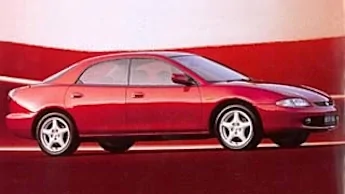
The icon does still look like a 1994 Red Mazda Protege though. 😜
First world problem.

Jeep Gladiator U-connect and/or Carplay update changes the blue arrow on Google maps to a pic of a small vehicle...? 1765816394165-4x
 

IamPro2A

Well-Known Member
First Name
Chris
Joined
Apr 25, 2021
Threads
11
Messages
1,102
Reaction score
1,572
Location
New Hampshire - Live Free Or Die!
Vehicle(s)
'95 YJ, '07 Ram, '25 JTR, '26 JLU (sold '16 JK, '21 JT, '25 JLU)
Occupation
Retired-ish
I think the only available nav for my ’24 Sport S and the ’25 Rubicon is to run Carplay or Android Auto, as far as I know.

I did turn off the “North Up” setting, which is different from what I have been accustom to running on multiple vehicles, BUT, it does resolve the primary issue that was concerning me most, that I could not tell which direction the icon was moving on the map at speeds below 40MPH, but now it is much more apparent.

The icon does still look like a 1994 Red Mazda Protege though. 😜
First world problem.

1765816394165-4x.webp
The '25 Rubicon should have TomTom Navigation built in. There will be a separate NAV button on the left side of the screen, in addition to the AA/CP button.
 

Sponsored

OP
OP
gonemad

gonemad

Well-Known Member
Joined
Jul 24, 2024
Threads
15
Messages
426
Reaction score
735
Location
fringes of RTP
Vehicle(s)
’25 JT Rubicon, '24 FLHP Road King police
Occupation
retired headhunter
The '25 Rubicon should have TomTom Navigation built in. There will be a separate NAV button on the left side of the screen, in addition to the AA/CP button.
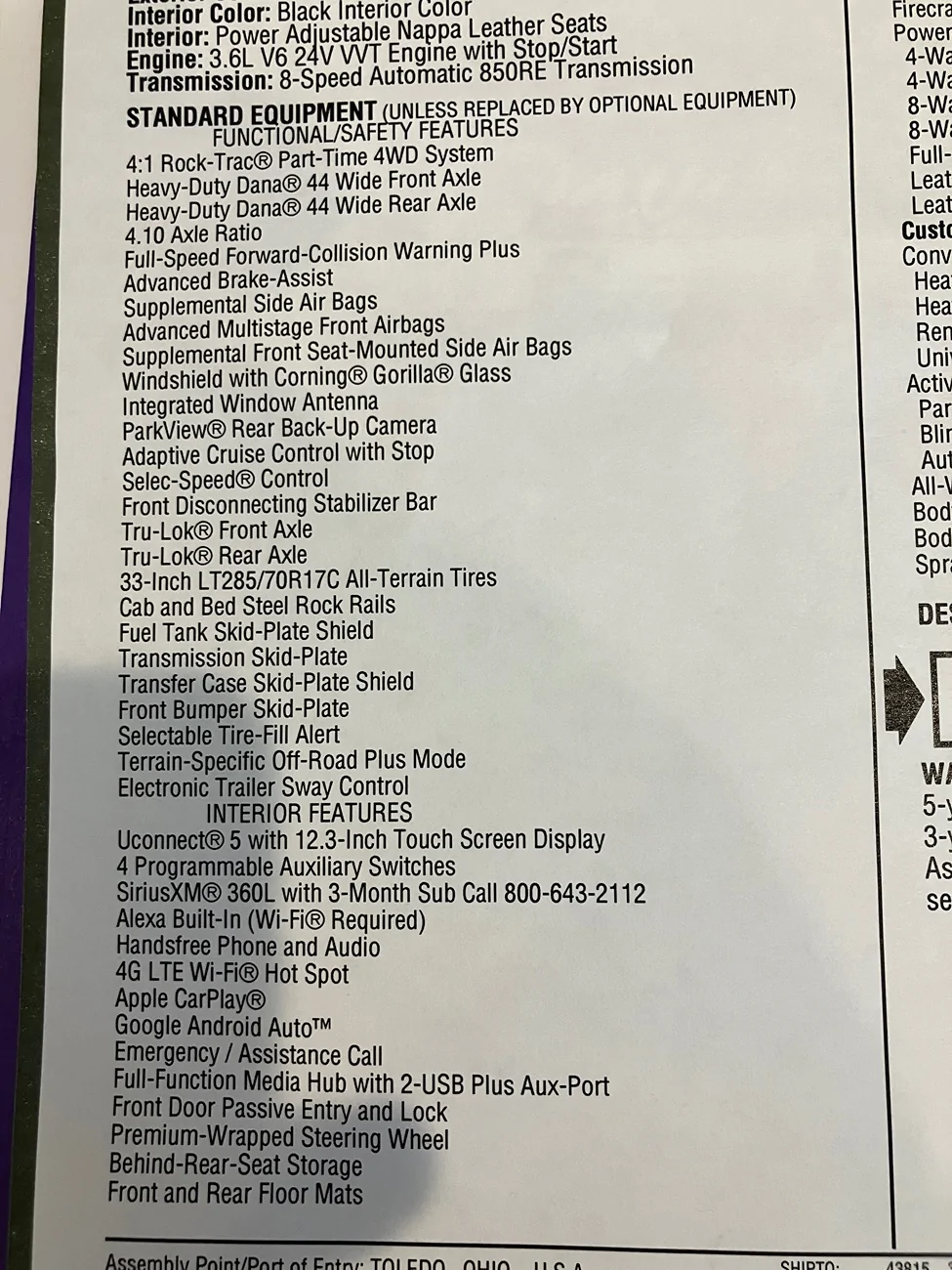
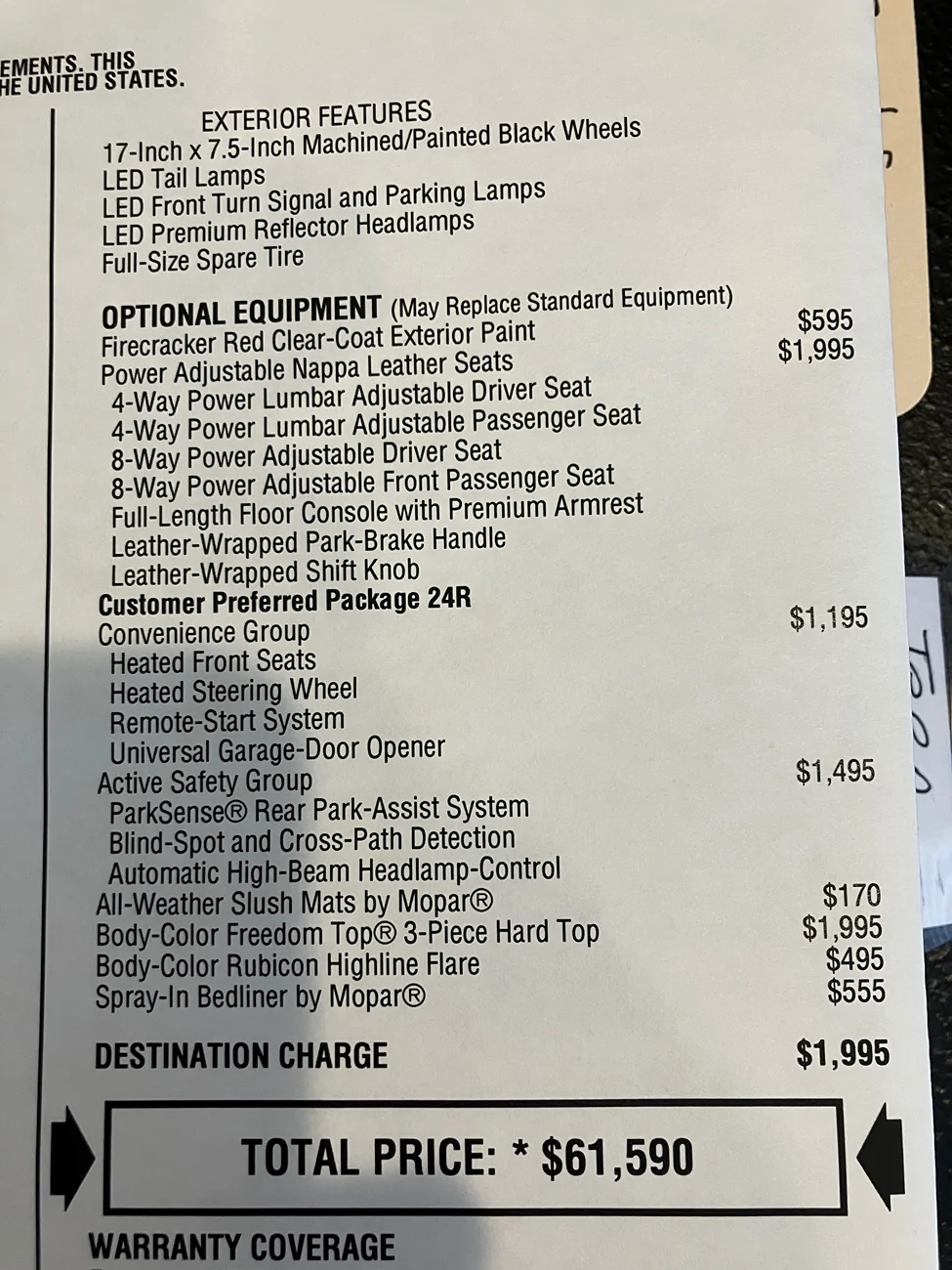
Not seeing it.
Jeep Gladiator U-connect and/or Carplay update changes the blue arrow on Google maps to a pic of a small vehicle...? IMG_5341
Jeep Gladiator U-connect and/or Carplay update changes the blue arrow on Google maps to a pic of a small vehicle...? IMG_5342
Jeep Gladiator U-connect and/or Carplay update changes the blue arrow on Google maps to a pic of a small vehicle...? IMG_5343
 

IamPro2A

Well-Known Member
First Name
Chris
Joined
Apr 25, 2021
Threads
11
Messages
1,102
Reaction score
1,572
Location
New Hampshire - Live Free Or Die!
Vehicle(s)
'95 YJ, '07 Ram, '25 JTR, '26 JLU (sold '16 JK, '21 JT, '25 JLU)
Occupation
Retired-ish
MY bad. You have to have the "technology group" option. I've looked at soooo many configs of JTs and JLs the last 3 weeks some of it blurs together.

But that means whatever changed, changed on your phone's nav app.
Your Jeep is just mirroring what the phone is running.
 
OP
OP
gonemad

gonemad

Well-Known Member
Joined
Jul 24, 2024
Threads
15
Messages
426
Reaction score
735
Location
fringes of RTP
Vehicle(s)
’25 JT Rubicon, '24 FLHP Road King police
Occupation
retired headhunter
Finally found the setting in Google maps on my phone.

settings, then…
My vehicles, then…
Driving avatar, and pick one

I have no idea how that got changed because I sure as heck didn’t do it.

I now have my blue arrow back.


Top