Sector281411
Member
- First Name
- Greg
- Joined
- Apr 26, 2021
- Threads
- 1
- Messages
- 6
- Reaction score
- 1
- Location
- Melissa, TX
- Vehicle(s)
- 2021 JT Gladiator Willy's Edition
- Thread starter
- #1
So I have been wanting a dash cam for quite a while but never could quite pull the trigger. Recently on the Big A there was a pretty good deal on the Vantrue N4 Pro and I picked one up.
I wanted to get it installed before a trip to Colorado in a few weeks. I bought and paid for mine and have no relationship with Vantrue at all.
installation:
installation for me was a breeze but I have experience in taking vehicles apart for almost 20 years. The installation instructions were not that clear but with help from a few related videos on YouTube I was able to get it installed in about two hours taking my time and a few breaks. I did not use the anti-static sticker they send as it just seemed unnecessary so I used alcohol to clean the windshield and used the adhesion promoter it comes with and have not had any issues. Running the wires from fuse panel through passenger side door frame was easy. The wiring kit I bought (SOLD SEPARATELY) is by Vantrue and It allows you use switch combinations to set the voltage that the system will shut off. I made a slight adjustment here and ONLY wanted the system to turn on when I am driving. The install kit wiring comes with ground and multiple fuse blocks for many fuse types. One fuse block connects to an ignition on source while the other connects to an always hot source by design. I connected both of mine to ignition on sources. It turns on and off with ignition and I am happy with it for now. Annoyingly you MUST connect the always on source to something or the system will not power on at all.
Mounting:
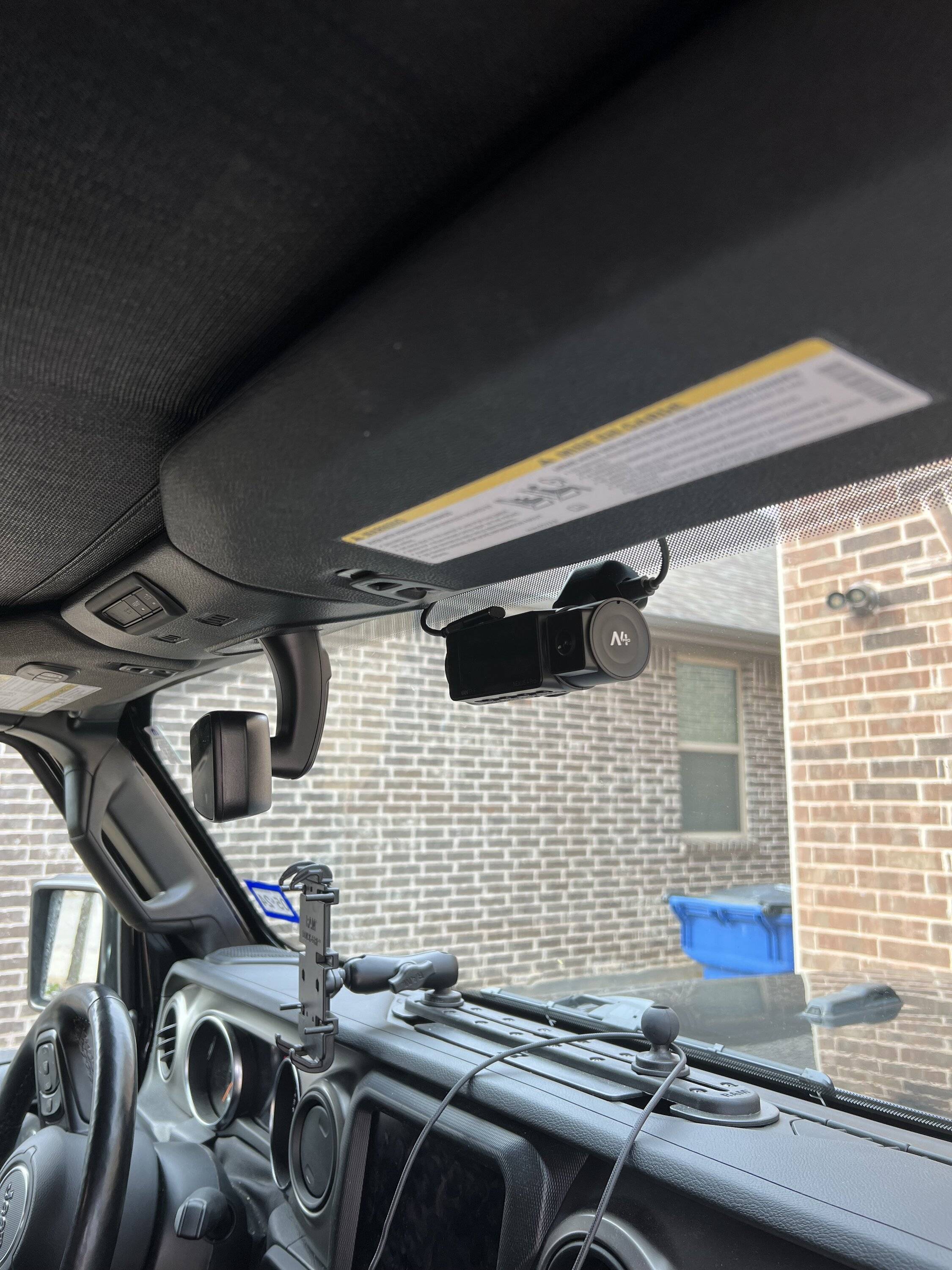
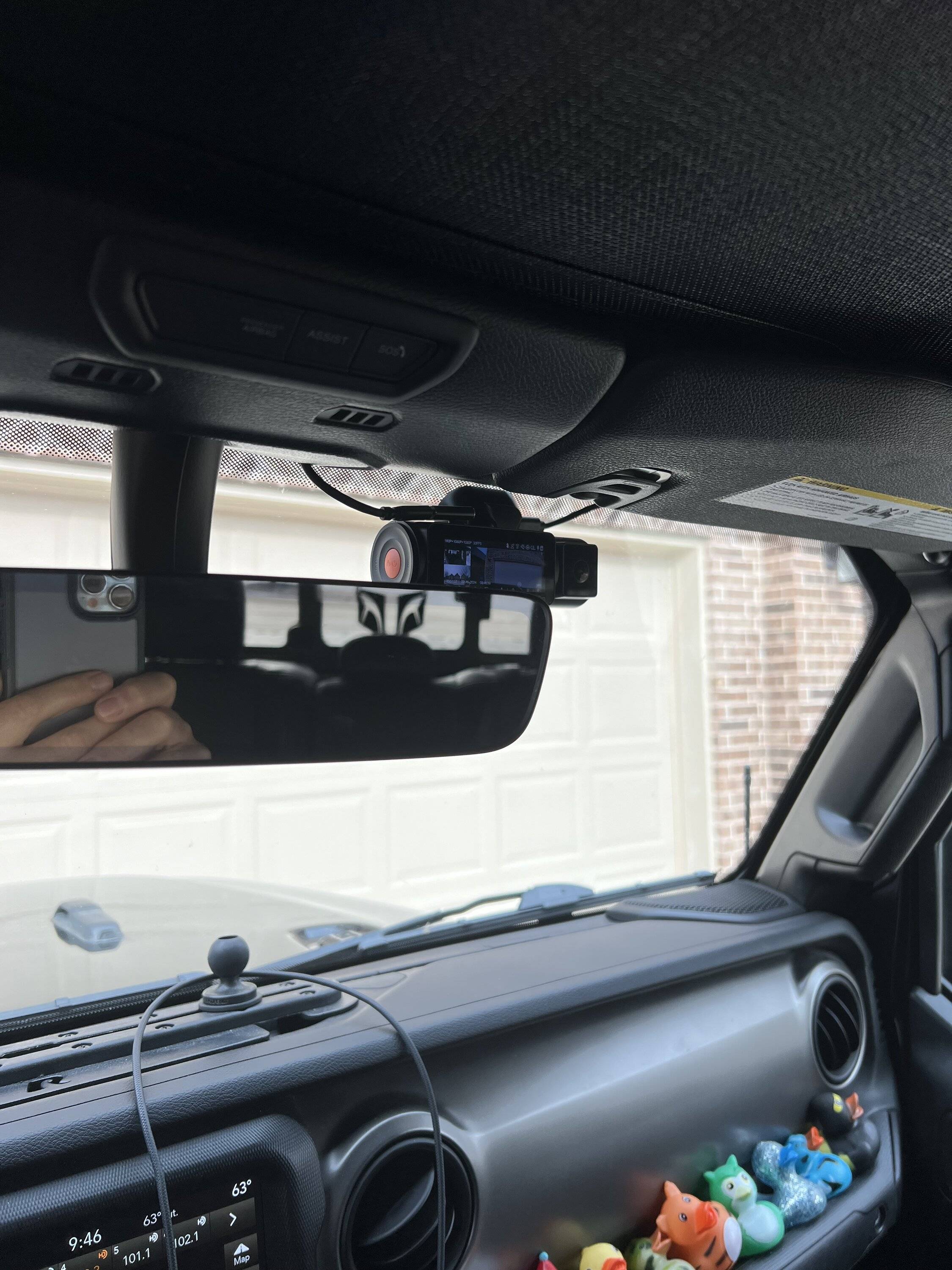
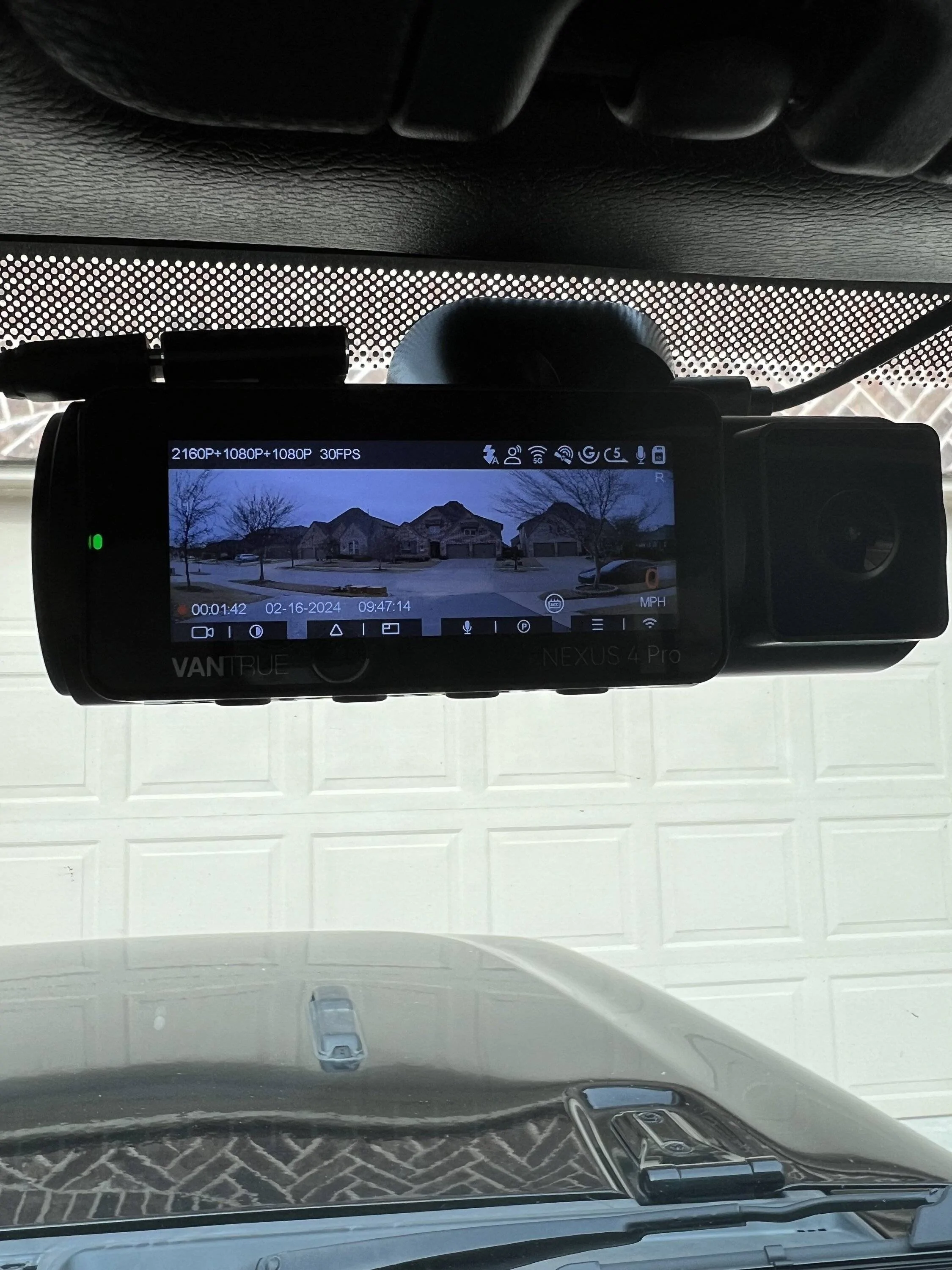
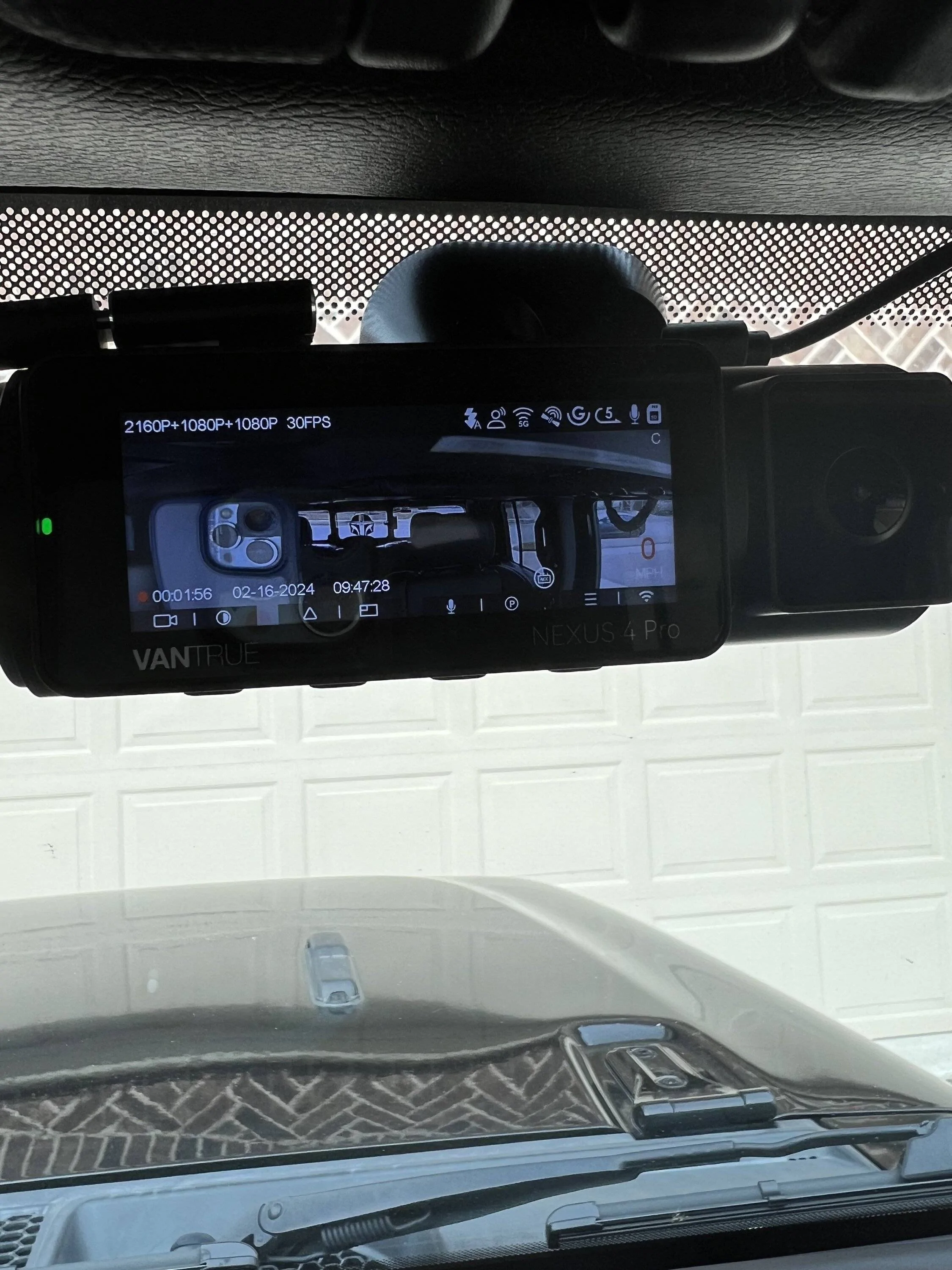
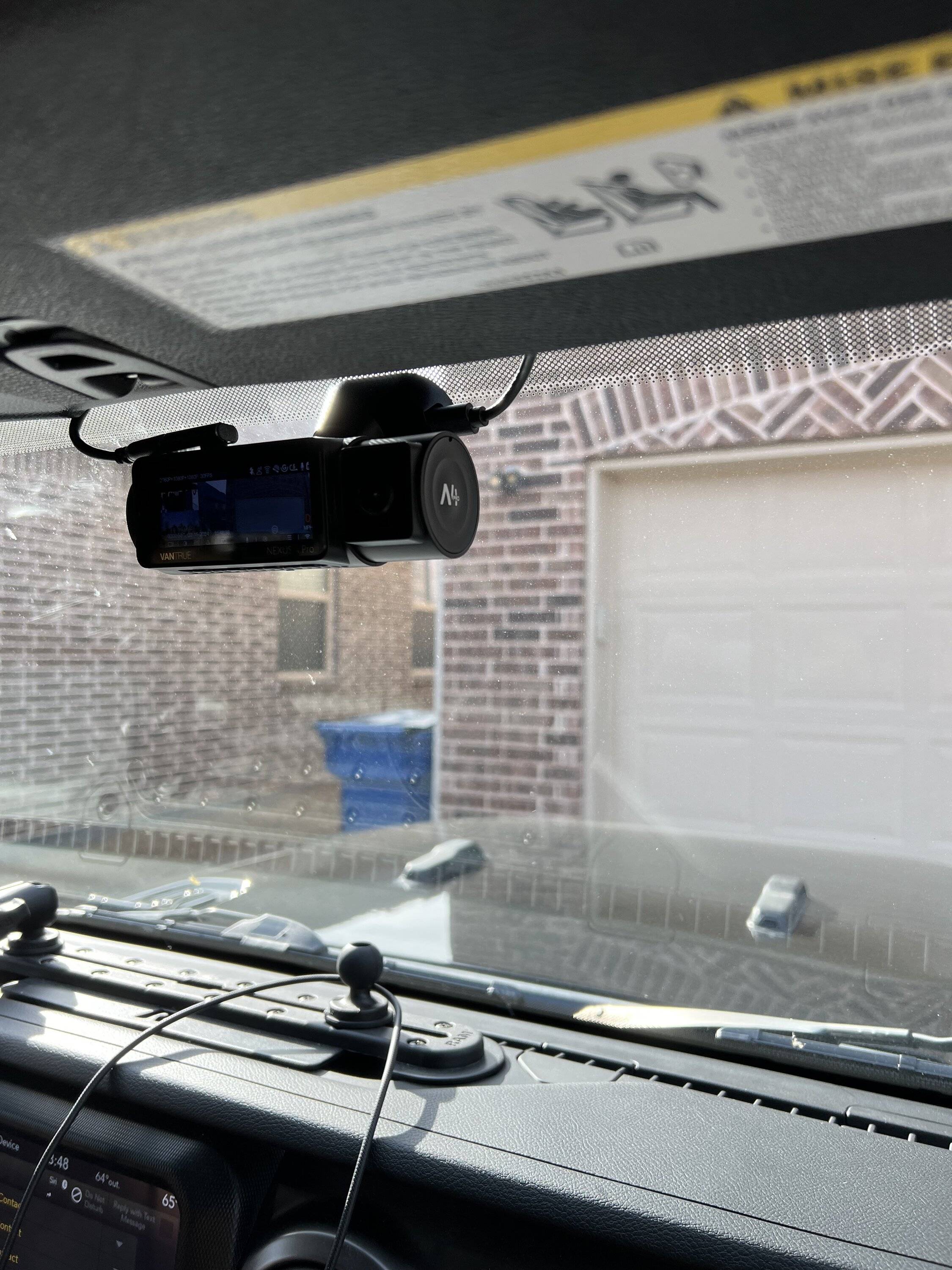
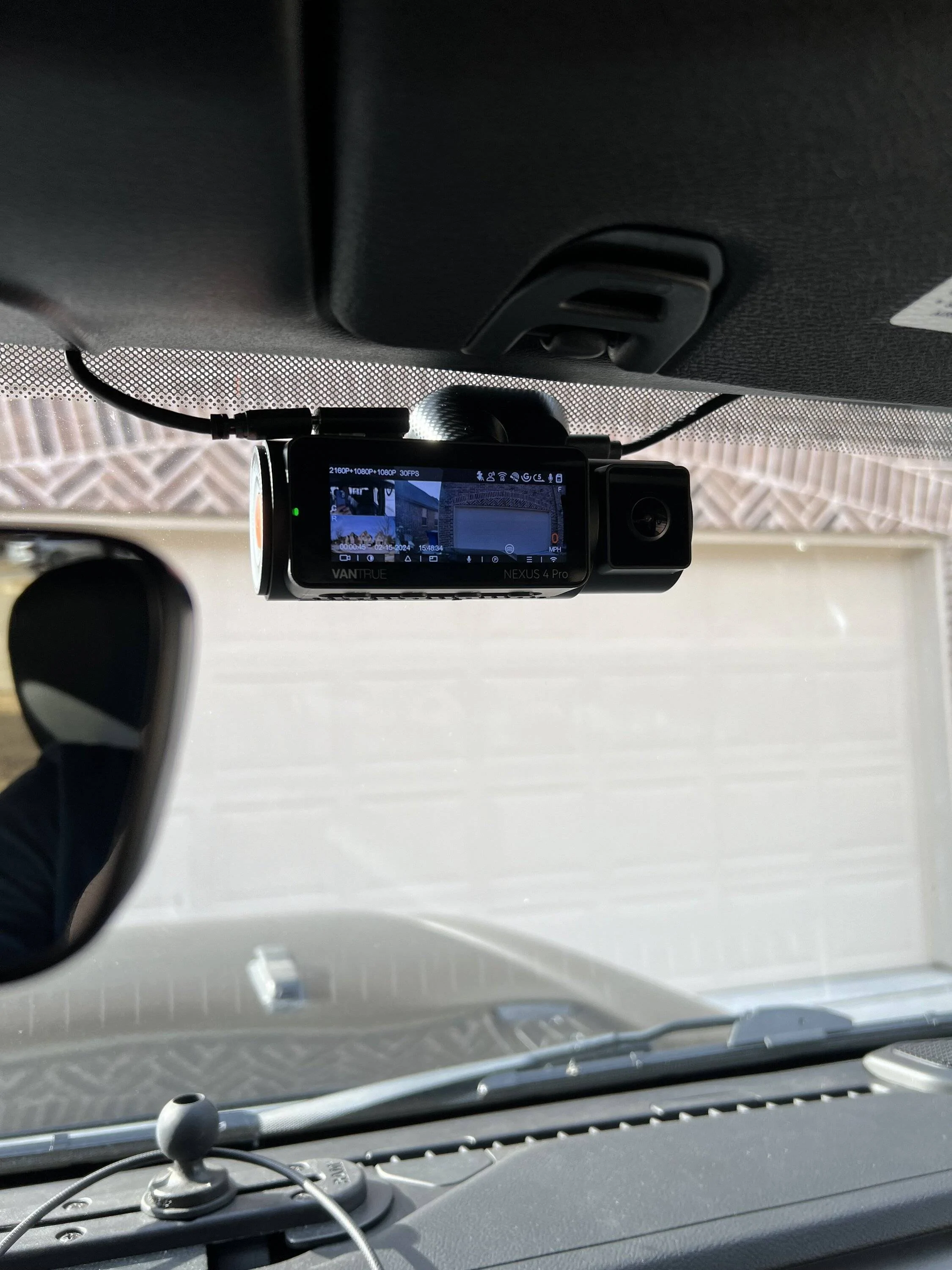
I mounted the camera as high as I could on the passenger side close to the rear view mirror. In Texas it cannot obstruct the drivers view and I can barely see it.
NOTE**** initially I did not connect the rear camera and only discovered after running it that the USB C cable comes straight out of the top of the unit and I was not able to have it plugged in where I mounted the camera. I considered lowering the unit but ultimately bought a low profile right angle USB C adapter and it works great.
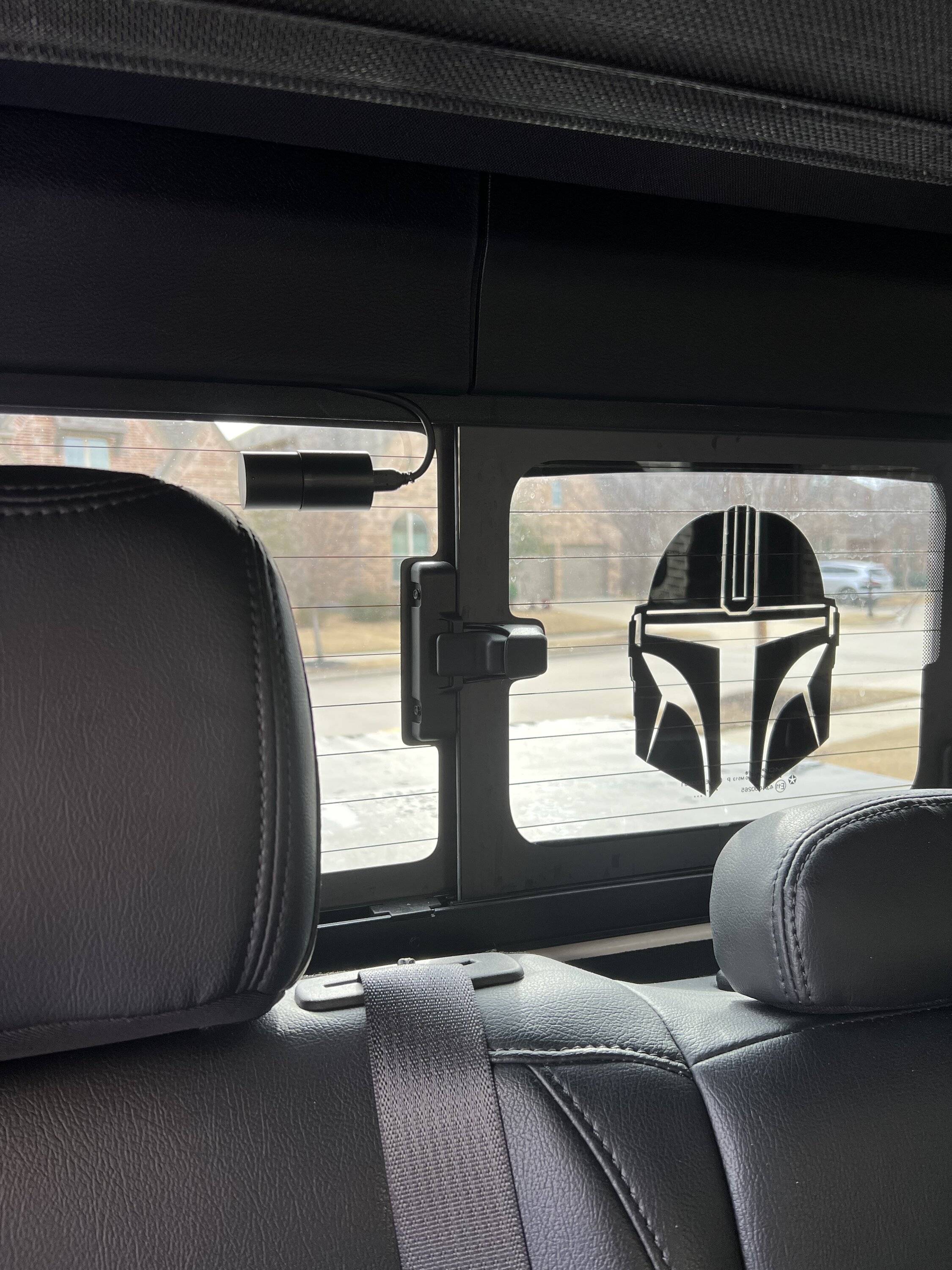
The rear camera is mounted between two of the defrost lines on the passenger side of the back window.
Video:
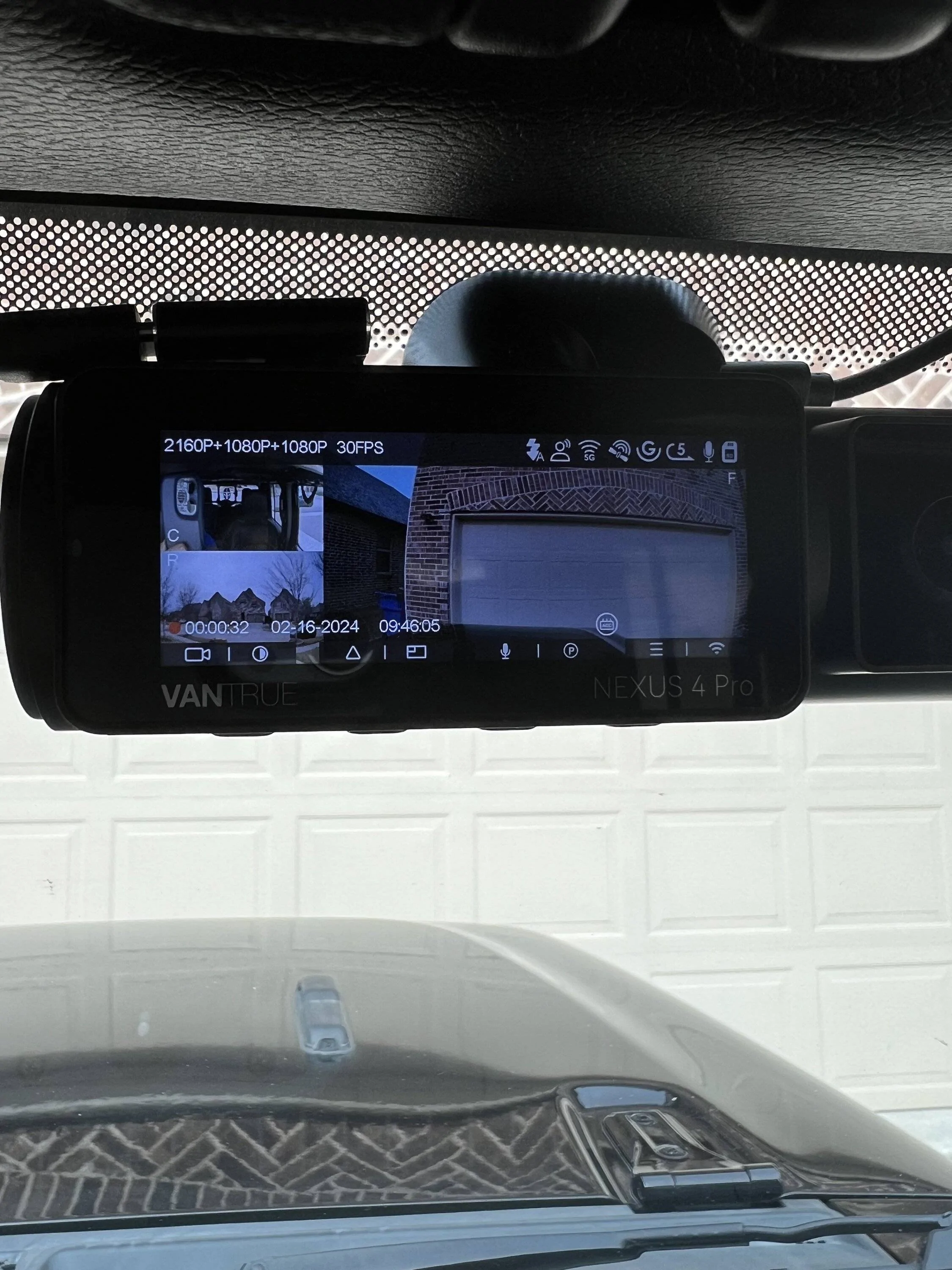
The quality of video on this unit is very nice and I bought a high speed 512GB Samsung SD card that works perfectly. No need to pay inflated Vantrue prices. I also bought the front camera filter that screws on and gives more rich colors on videos.
Overall I am very happy with this unit and can answer any questions you may have.

I wanted to get it installed before a trip to Colorado in a few weeks. I bought and paid for mine and have no relationship with Vantrue at all.
installation:
installation for me was a breeze but I have experience in taking vehicles apart for almost 20 years. The installation instructions were not that clear but with help from a few related videos on YouTube I was able to get it installed in about two hours taking my time and a few breaks. I did not use the anti-static sticker they send as it just seemed unnecessary so I used alcohol to clean the windshield and used the adhesion promoter it comes with and have not had any issues. Running the wires from fuse panel through passenger side door frame was easy. The wiring kit I bought (SOLD SEPARATELY) is by Vantrue and It allows you use switch combinations to set the voltage that the system will shut off. I made a slight adjustment here and ONLY wanted the system to turn on when I am driving. The install kit wiring comes with ground and multiple fuse blocks for many fuse types. One fuse block connects to an ignition on source while the other connects to an always hot source by design. I connected both of mine to ignition on sources. It turns on and off with ignition and I am happy with it for now. Annoyingly you MUST connect the always on source to something or the system will not power on at all.
Mounting:
I mounted the camera as high as I could on the passenger side close to the rear view mirror. In Texas it cannot obstruct the drivers view and I can barely see it.
NOTE**** initially I did not connect the rear camera and only discovered after running it that the USB C cable comes straight out of the top of the unit and I was not able to have it plugged in where I mounted the camera. I considered lowering the unit but ultimately bought a low profile right angle USB C adapter and it works great.
The rear camera is mounted between two of the defrost lines on the passenger side of the back window.
Video:
The quality of video on this unit is very nice and I bought a high speed 512GB Samsung SD card that works perfectly. No need to pay inflated Vantrue prices. I also bought the front camera filter that screws on and gives more rich colors on videos.
Overall I am very happy with this unit and can answer any questions you may have.
Sponsored
Last edited: