ShadowsPapa
Well-Known Member
- First Name
- Bill
- Joined
- Oct 12, 2019
- Threads
- 247
- Messages
- 40,454
- Reaction score
- 53,888
- Location
- Runnells, Iowa
- Vehicle(s)
- '25 JTMX, '23 JLU 4xe, '82 SX4, '73 Javelin
- Occupation
- Retired auto mechanic, frmr gov't ntwrk security admin
- Vehicle Showcase
- 3
OK, it's happened again - this time after my wife drove the truck. She didn't change anything other than the seat and mirror positions and the radio station (country for her, Willie's Roadhouse)
I got in to drive today and looked and what the heck? Instant MPG gone EXACTLY like it happened after my son drove it.
Last time I did nothing and it suddenly reappeared.
I have pictures for those who are disbelievers and keep saying "just hit the arrow keys to change it" - please stop with that because it's not on the wrong screen, the instant mpg disappears.
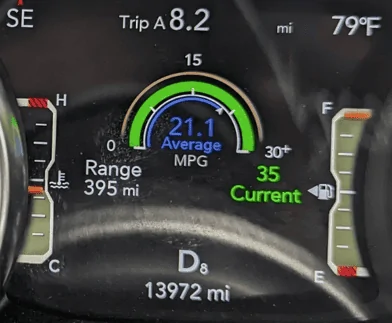
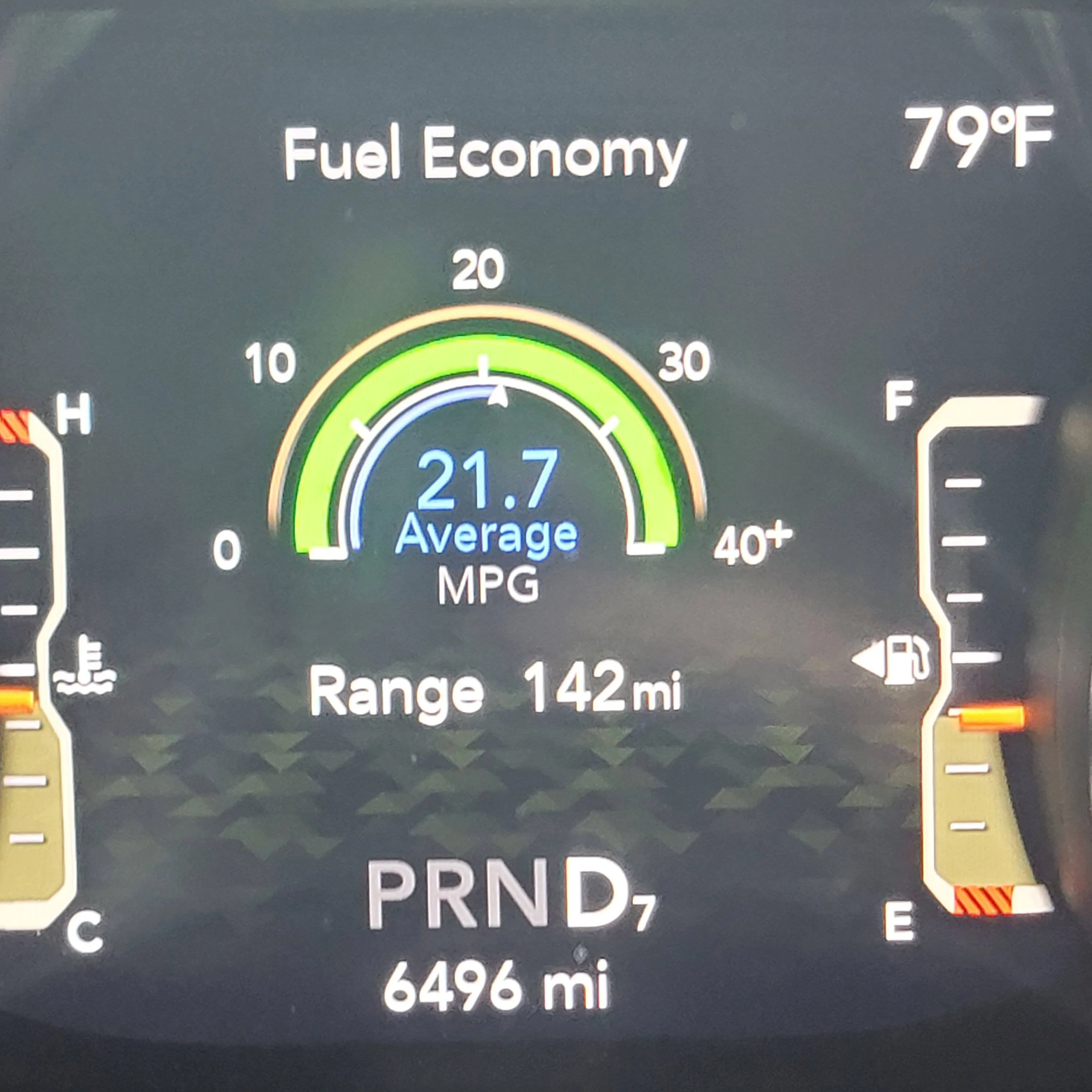
Here's how it SHOULD look - please note the detail - the location of the text/keys on the screen.
Note that the Range is lower left by the scale, the current is lower right by the scale. Pay close attention. The next picture is the change where "Current MPG" disappears and the Range shifts to under the scale -

This is the EXACT SAME SCREEN but with the "Current" missing and the "Range" shifted to the right - NO ARROWS were pressed -

Now, for those who claim "all you need to do to fix it is used the left or right arrow keys" - this is what you see if you do that - a very different screen.

See? No range and no current.
There are only two screens.
The one just above with only the average and no range, no current, or
the top screen with everything.
When the current disappears, it literally morphs into the screen shown in the middle picture.
If I do not scroll left or right, it will eventually come back on its own and the Range will shift back to the left and the current will again show to the lower right of the scale.
I got in to drive today and looked and what the heck? Instant MPG gone EXACTLY like it happened after my son drove it.
Last time I did nothing and it suddenly reappeared.
I have pictures for those who are disbelievers and keep saying "just hit the arrow keys to change it" - please stop with that because it's not on the wrong screen, the instant mpg disappears.
Here's how it SHOULD look - please note the detail - the location of the text/keys on the screen.
Note that the Range is lower left by the scale, the current is lower right by the scale. Pay close attention. The next picture is the change where "Current MPG" disappears and the Range shifts to under the scale -
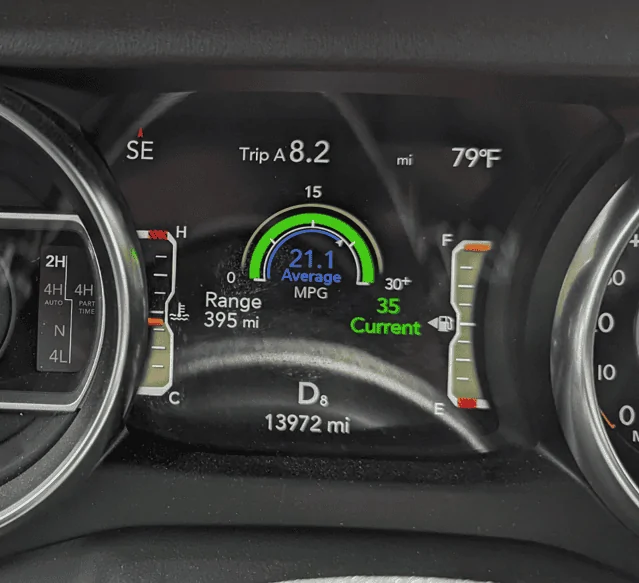
This is the EXACT SAME SCREEN but with the "Current" missing and the "Range" shifted to the right - NO ARROWS were pressed -
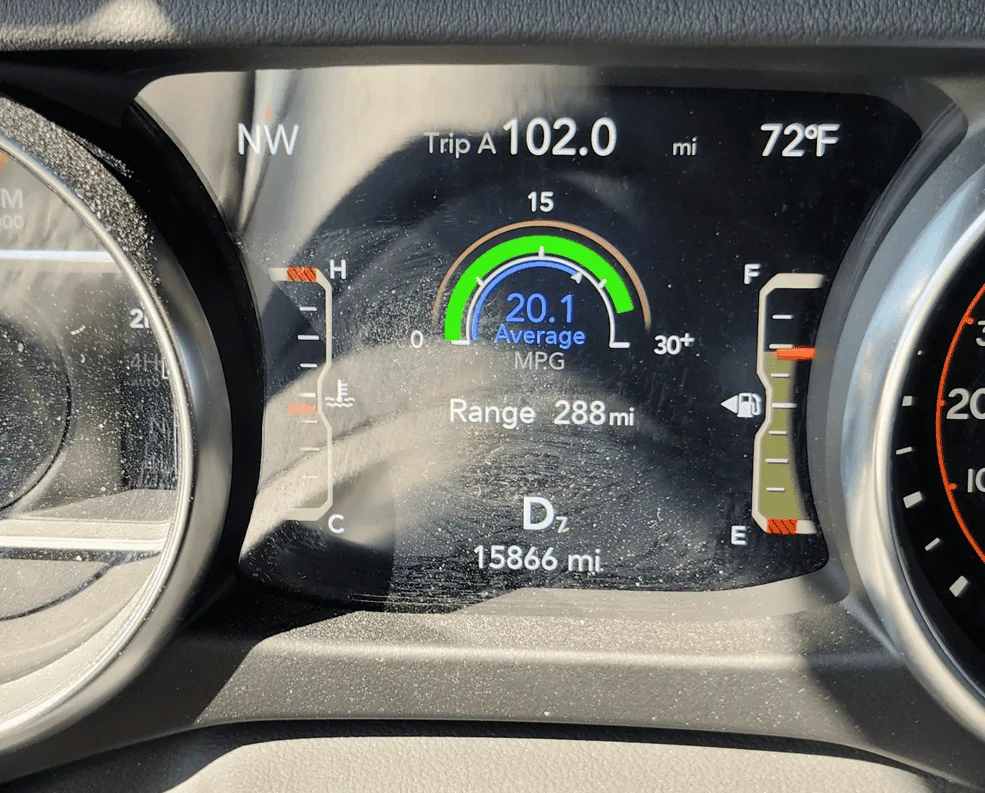
Now, for those who claim "all you need to do to fix it is used the left or right arrow keys" - this is what you see if you do that - a very different screen.
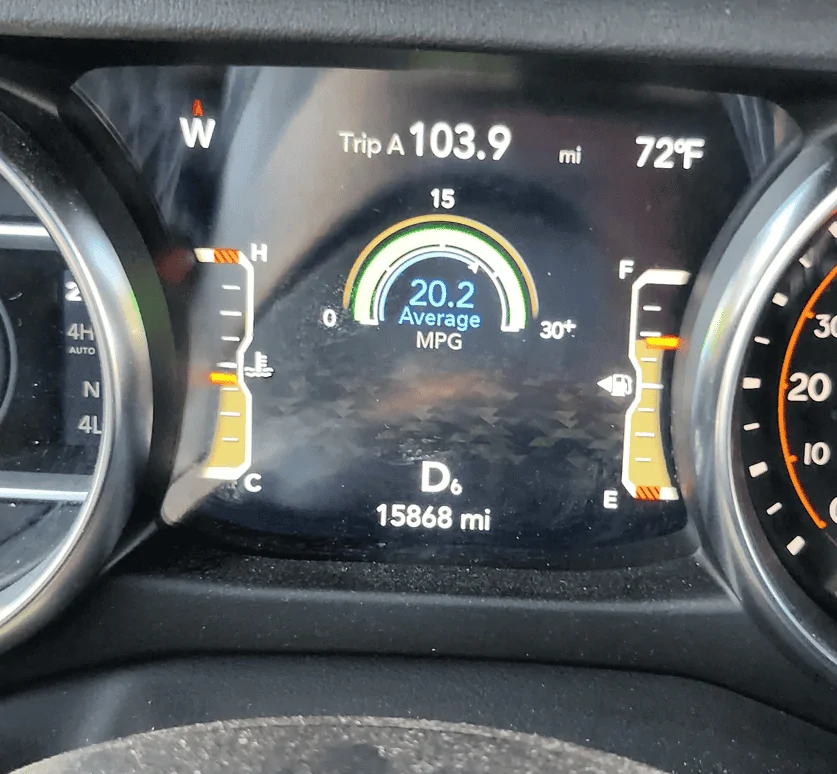
See? No range and no current.
There are only two screens.
The one just above with only the average and no range, no current, or
the top screen with everything.
When the current disappears, it literally morphs into the screen shown in the middle picture.
If I do not scroll left or right, it will eventually come back on its own and the Range will shift back to the left and the current will again show to the lower right of the scale.
Sponsored