Sponsored

Front Facing Trail Camera Shortcut?

gsales

New Member
First Name
Grant
Joined
Nov 8, 2024
Threads
1
Messages
2
Reaction score
0
Location
Minnesota
Vehicle(s)
2024 Gladiator Rubicon X
Recently picked up a 2024 Gladiator Rubicon X with the front facing camera. I'm super annoyed that when pulling into a tight parking space I have pull up the rear camera first then click over to the front view.

Is there a way to set a shortcut somewhere to be direct to the front camera and not the back? On the home screen I can set the shortcut to the rear camera but no way to save the view to front or have the shortcut just be the front. There has to be a way to do this. Any help would be appreciated.

Searching so far suggested there might be a way with a Tazer to set a double mute press to pull up front camera, but obviously this has a cost to it. Others also mentioned a shortcut with drag and drops, but only thing I can figure out with this is the predetermined ones that can even be a shortcut and forward cam isn't an option there.
Sponsored
 

NULL POINTER

Well-Known Member
First Name
Carmine
Joined
Jan 3, 2024
Threads
11
Messages
301
Reaction score
435
Location
Free state of Florida, NW of JAX
Vehicle(s)
2024 JTRubiX Auto, 2019 VetteZ06 7spd Convertible
Occupation
Loving Life
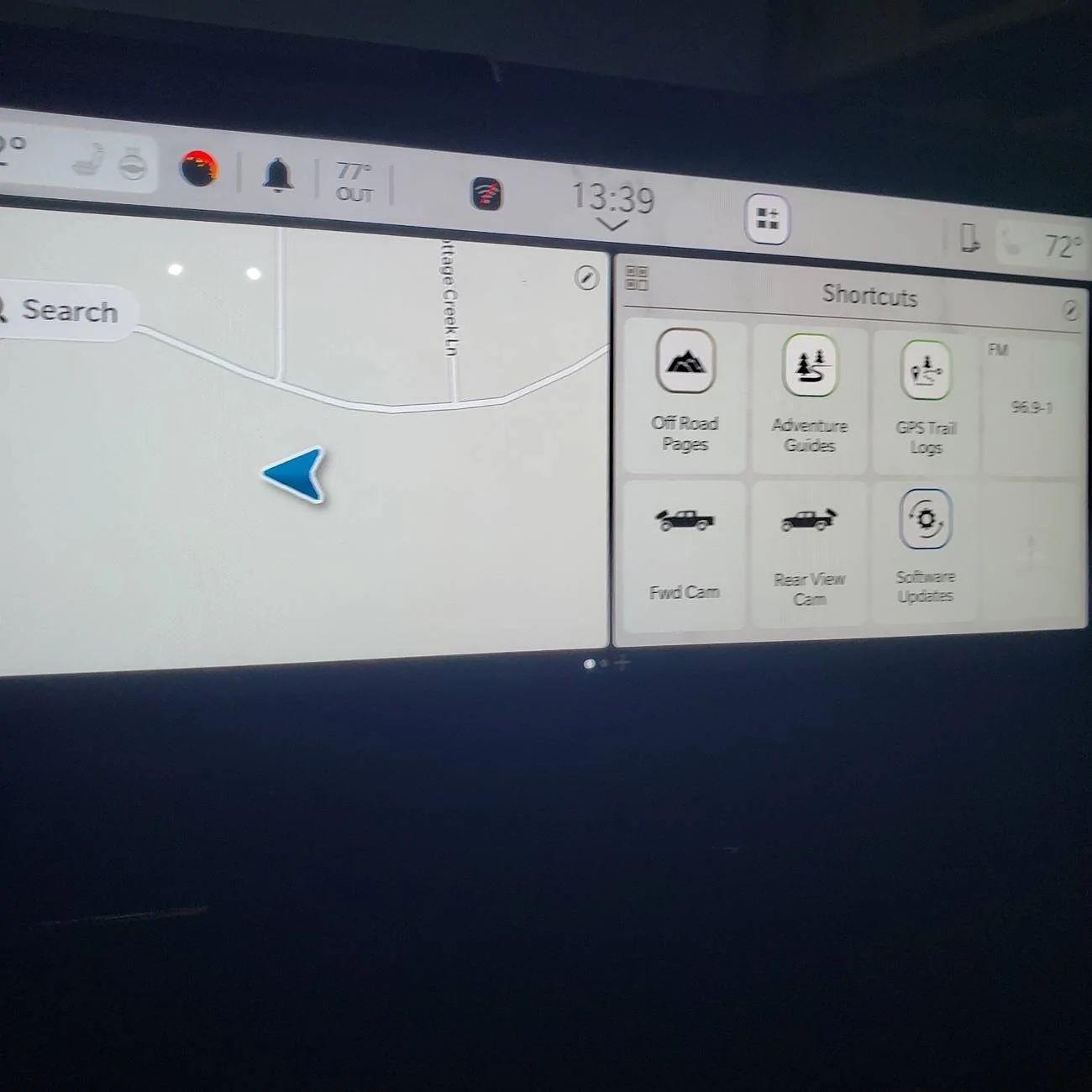
Welcome to the forum. Congrats on your new Rubicon-X. Yes there are two easier ways I can think of. One is to go to settings, and click on the middle top button (contols), which brings up a screen that allows selection of the front camera among other things. Even better is to split screen your home screen, then add both cameras there in the shortcuts with the plus signs. I think you have to pick "apps", then find the Fwd Camera app and select it for the option to show in the shortcuts. I am assuming you have some familiarity with the touchscreen and the way it works.

Jeep Gladiator Front Facing Trail Camera Shortcut? 1731264146448-oa
 
OP
OP

gsales

New Member
First Name
Grant
Joined
Nov 8, 2024
Threads
1
Messages
2
Reaction score
0
Location
Minnesota
Vehicle(s)
2024 Gladiator Rubicon X
Yeah, a home screen page without Nav or audio could be a plan B for me, I just don't think I'd use anything besides that front camera since the backup camera comes on automatically in reverse, I don't really need that shortcut day to day until I'm off road.

The wife's ford has a nice parking button that pulls up a 360 view and front camera which is super easy to use and would be nice to have something similar in the Jeep, so it's either multiple taps on the cluster to pull it up, or swipe to a page to have that button as a shortcut and lose something else that I use all the time. Overall happy with it, didn't even think I was going to use that front camera, but I have about 8" of clearance in the garage and I end up using it more than I thought.

Would be even better if I can pull up front and back side by side :)
 

DanJT

Well-Known Member
First Name
Dan
Joined
Sep 19, 2024
Threads
33
Messages
705
Reaction score
1,065
Location
Tn
Vehicle(s)
2020 Gladiator Rubicon
Occupation
Retired
When I installed my front camera, I activated the cargo camera. To turn it on I simply hit settings and turn on the camera. I'm not sure how your system works having the front camera already, but hope this helps.
 

RickF

Well-Known Member
First Name
Rick
Joined
May 31, 2022
Threads
1
Messages
94
Reaction score
120
Location
San Antonio, Texas
Vehicle(s)
2020 Sting Gray JT Rubicon
I have an older model (2020), but my front-facing trail cam has been a docked icon on the bottom of the screen since the first day. It was a simple drag-and-drop operation to choose which shortcuts are always available. I know you have UConnect 5, but there must be something similar.
 

AbnMP13

Active Member
First Name
Shelby
Joined
May 2, 2025
Threads
2
Messages
28
Reaction score
22
Location
Hattiesburg, MS
Vehicle(s)
2025 Gladiator Rubicon X
Occupation
Retired Army
So the double mute will only activate the rear camera?
Sponsored


Top