Wolf Island Diver
Well-Known Member
- Thread starter
- #1
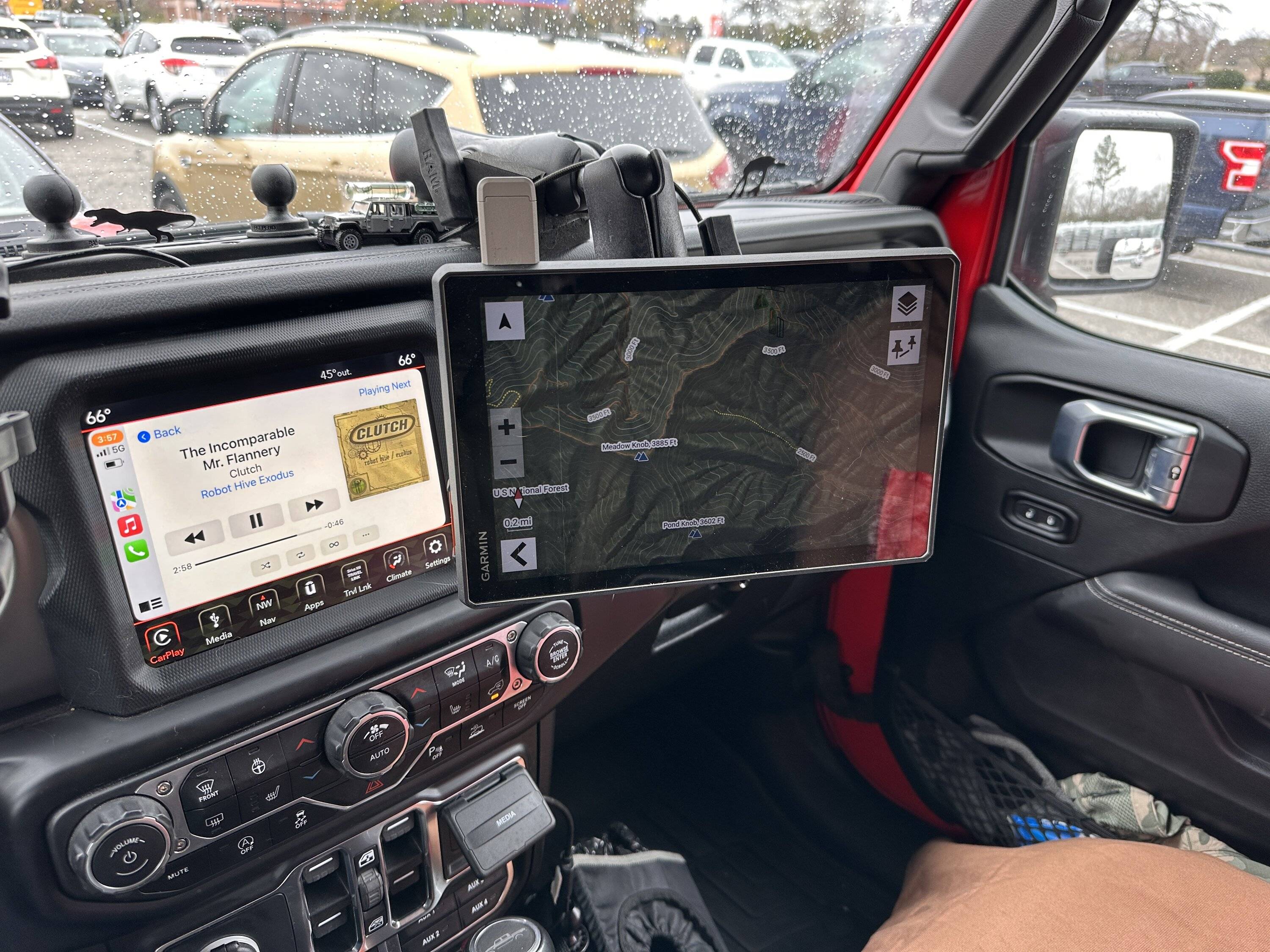
I switched from an iPad Pro 12 + Dual + Gaia to the Garmin and haven’t looked back. I really wanted to love Gaia but I found it to mostly be a PITA and getting my Bluetooth Dual GPS to work happily with Gaia on the iPad was always a crapshoot. I really like the Garmin, but it’s not all roses. My unit has this particular issue where it won’t screen rotate when needed. It gets “stuck” in portrait or landscape. Garmin’s terrible support offered to replace it but honestly they didn’t give me any confidence in their knowledge of the issue. This seems like a software issue to me and what’s a new device going to do?
I was planning on grabbing the Garmin guys at Overland Expo East this October but today I decided to try and get my Renogy App installed and ended up getting my rotation issue fixed too.
I had heard about sideloading since this is an Android device but hadn’t tried it until today. I was able to get the Renogy DC home app and another one called Rotation Control installed. Both are working flawlessly. This capability really opens up the possibilities with the Garmin and can make it more than just a GPS.
Rather than describe how to unlock this capability, here’s the YouTube video I followed:
Once you’ve got the sideloading allowed, you can’t just use the browser-based Play Store. You have to download the APK file from a APK site. A lot of these sites wrap the APK in some format that requires their installer. I found a site apkcombo.com that allows downloading of raw apk files. Then go to your downloads and simply click on the APK to install.
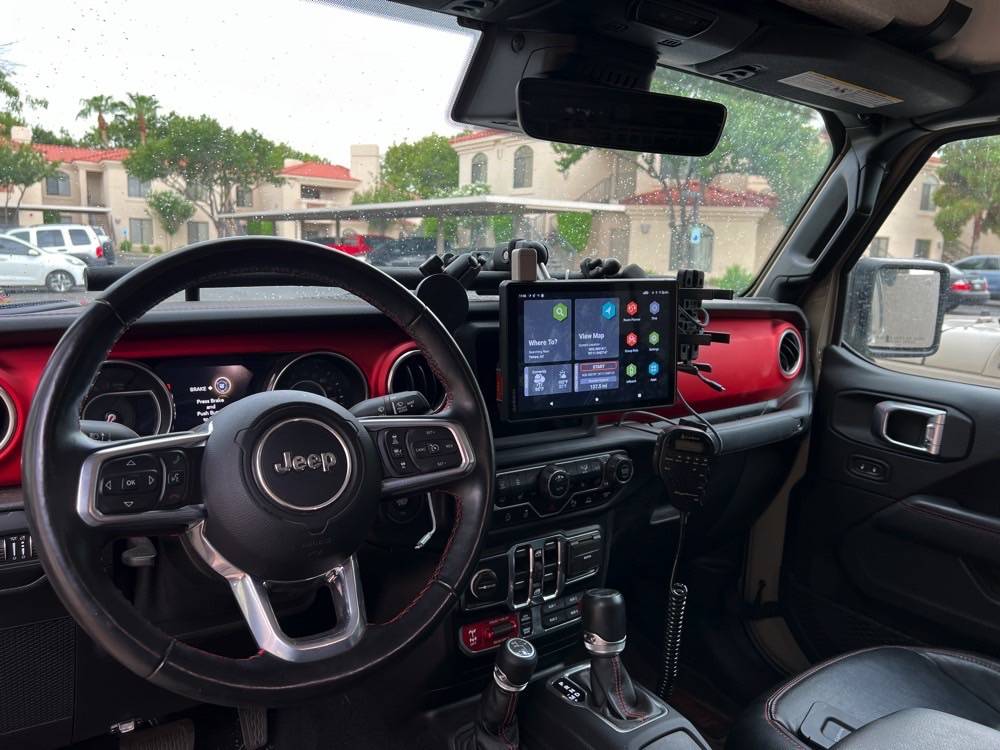
Now it should go without saying that you’re installing software from the internet at your own risk onto a device with a custom shell. Use appropriate caution and YMMV. You can cause problems and may have to factory reset your device. I got a warning about Rotation Control being for an older version of Android but it’s working fine at this point as is Renogy DC Home. I’m probably going to install my ARB fridge app too. My Garmin is becoming an overlanding command center. Of course this begs the question, why are there such limitations on CarPlay since all these apps are already on my iPhone?
I was planning on grabbing the Garmin guys at Overland Expo East this October but today I decided to try and get my Renogy App installed and ended up getting my rotation issue fixed too.
I had heard about sideloading since this is an Android device but hadn’t tried it until today. I was able to get the Renogy DC home app and another one called Rotation Control installed. Both are working flawlessly. This capability really opens up the possibilities with the Garmin and can make it more than just a GPS.
Rather than describe how to unlock this capability, here’s the YouTube video I followed:
Once you’ve got the sideloading allowed, you can’t just use the browser-based Play Store. You have to download the APK file from a APK site. A lot of these sites wrap the APK in some format that requires their installer. I found a site apkcombo.com that allows downloading of raw apk files. Then go to your downloads and simply click on the APK to install.
Now it should go without saying that you’re installing software from the internet at your own risk onto a device with a custom shell. Use appropriate caution and YMMV. You can cause problems and may have to factory reset your device. I got a warning about Rotation Control being for an older version of Android but it’s working fine at this point as is Renogy DC Home. I’m probably going to install my ARB fridge app too. My Garmin is becoming an overlanding command center. Of course this begs the question, why are there such limitations on CarPlay since all these apps are already on my iPhone?
Sponsored