Joe_G
Well-Known Member
Sorry, guess I swiped it from you!Mine disappeared again yesterday.

Sponsored

Sorry, guess I swiped it from you!Mine disappeared again yesterday.

How do I get it back to bottom right tho lolHeres a work around, as mine has disappeared again and like many posters, I really like the instant average feature on my gladiator.
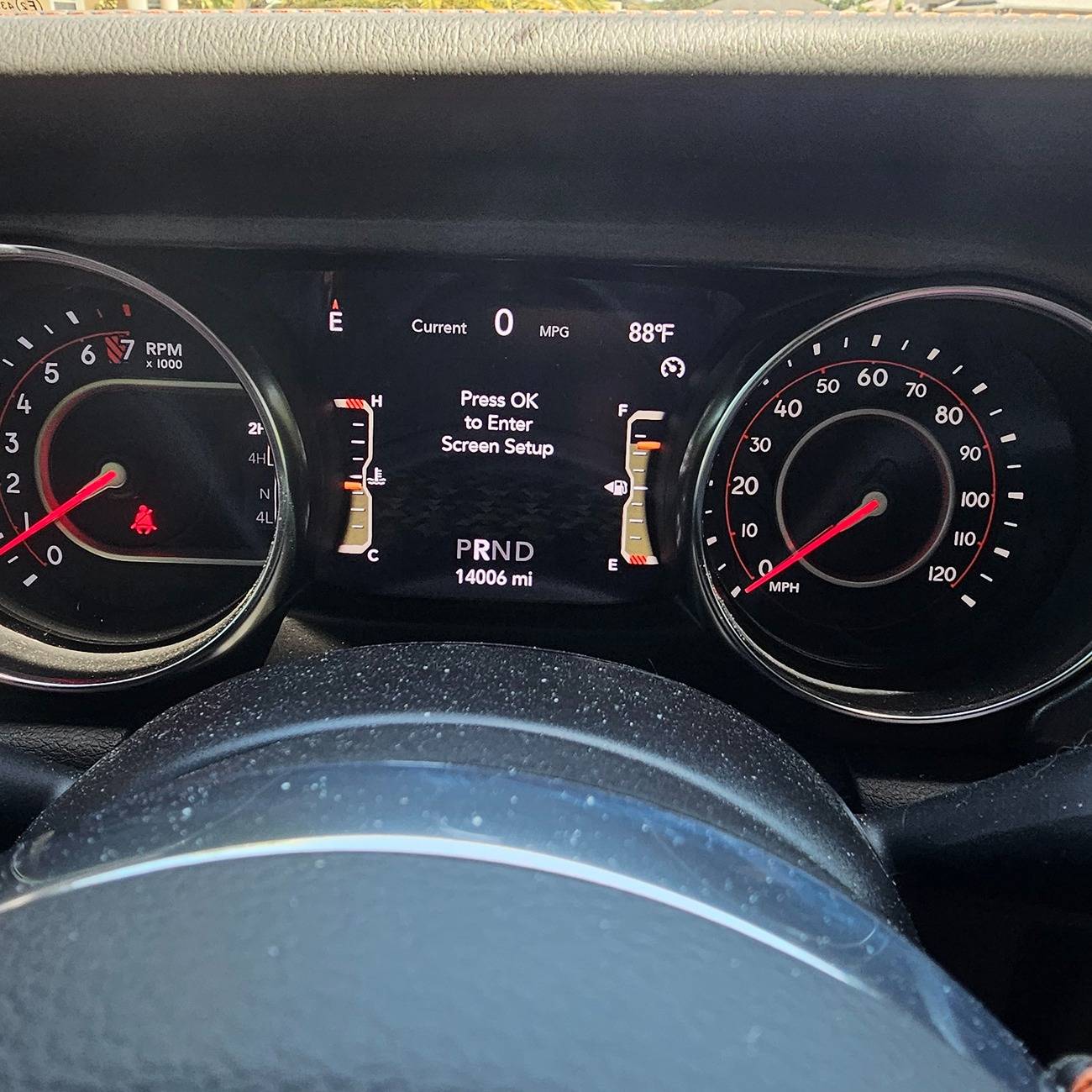
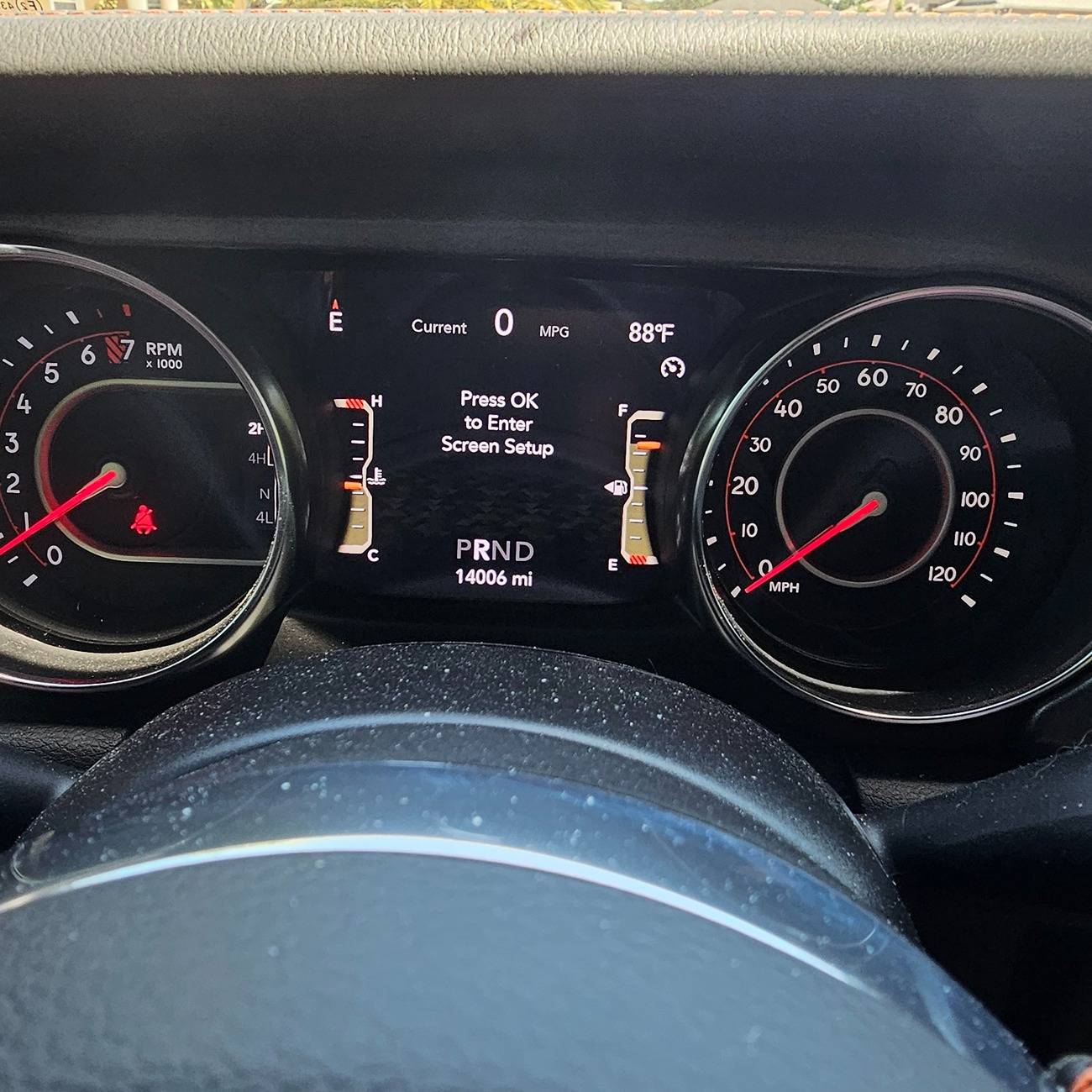
Enter the cluster "Setup" screen:

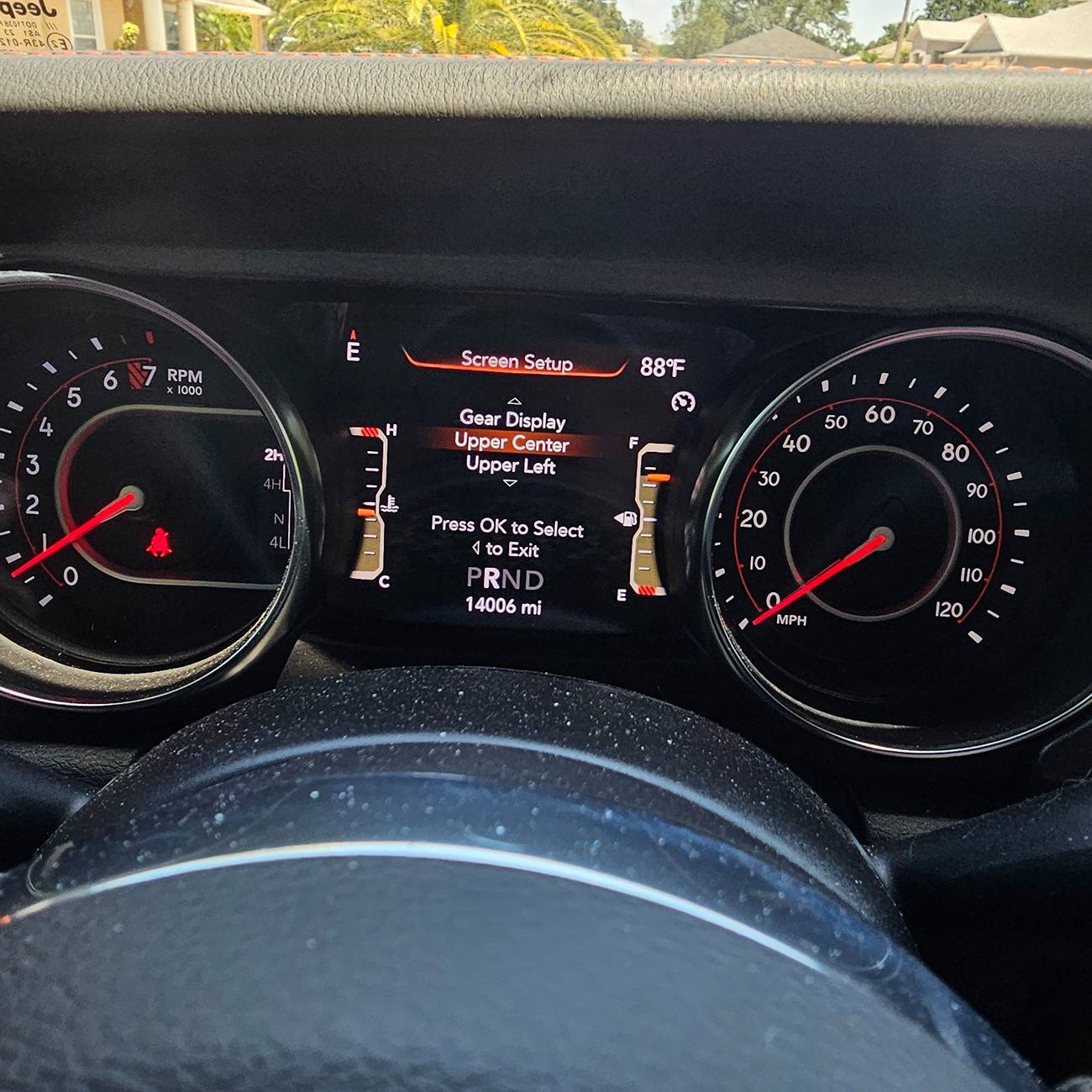
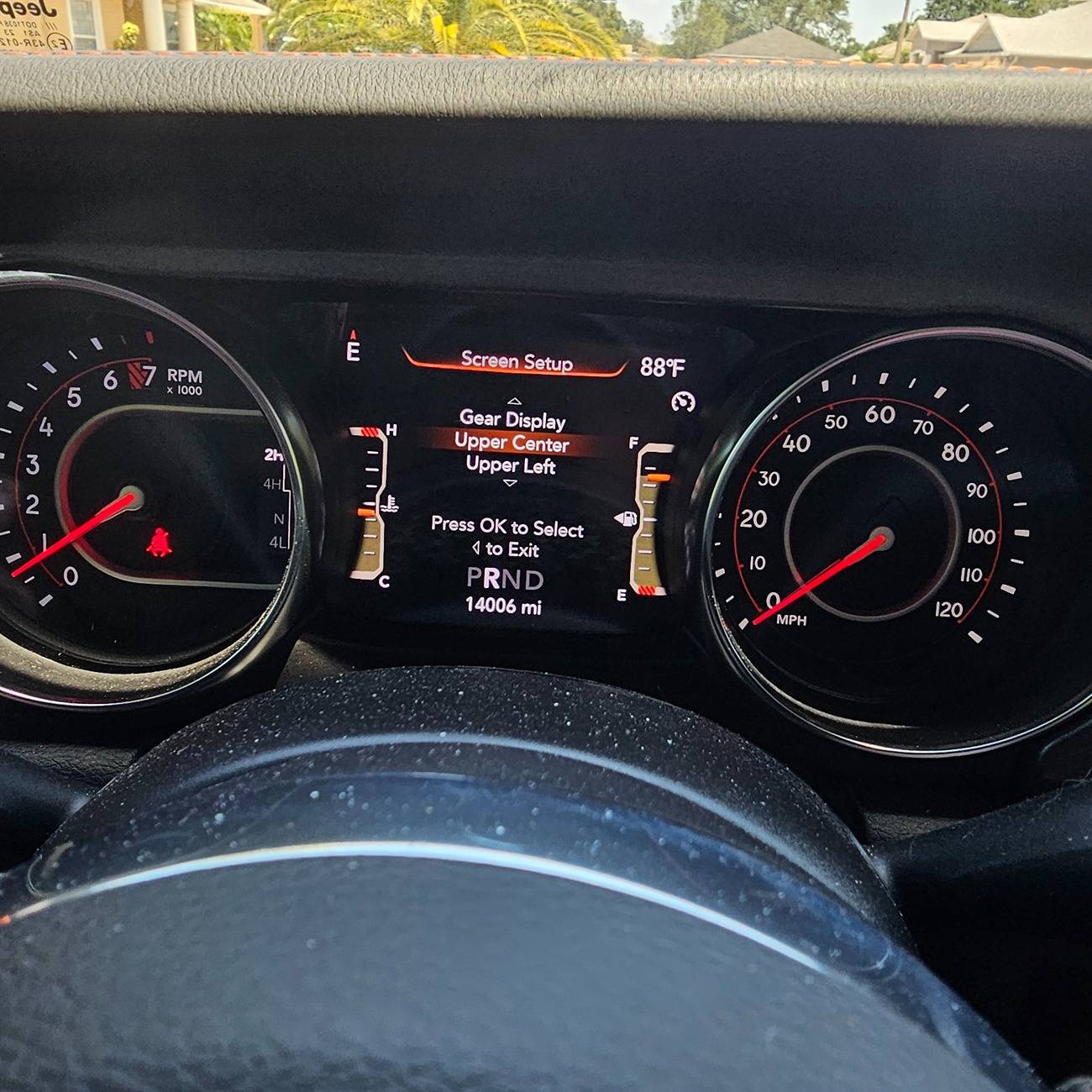
Scroll down and select "Upper Center":
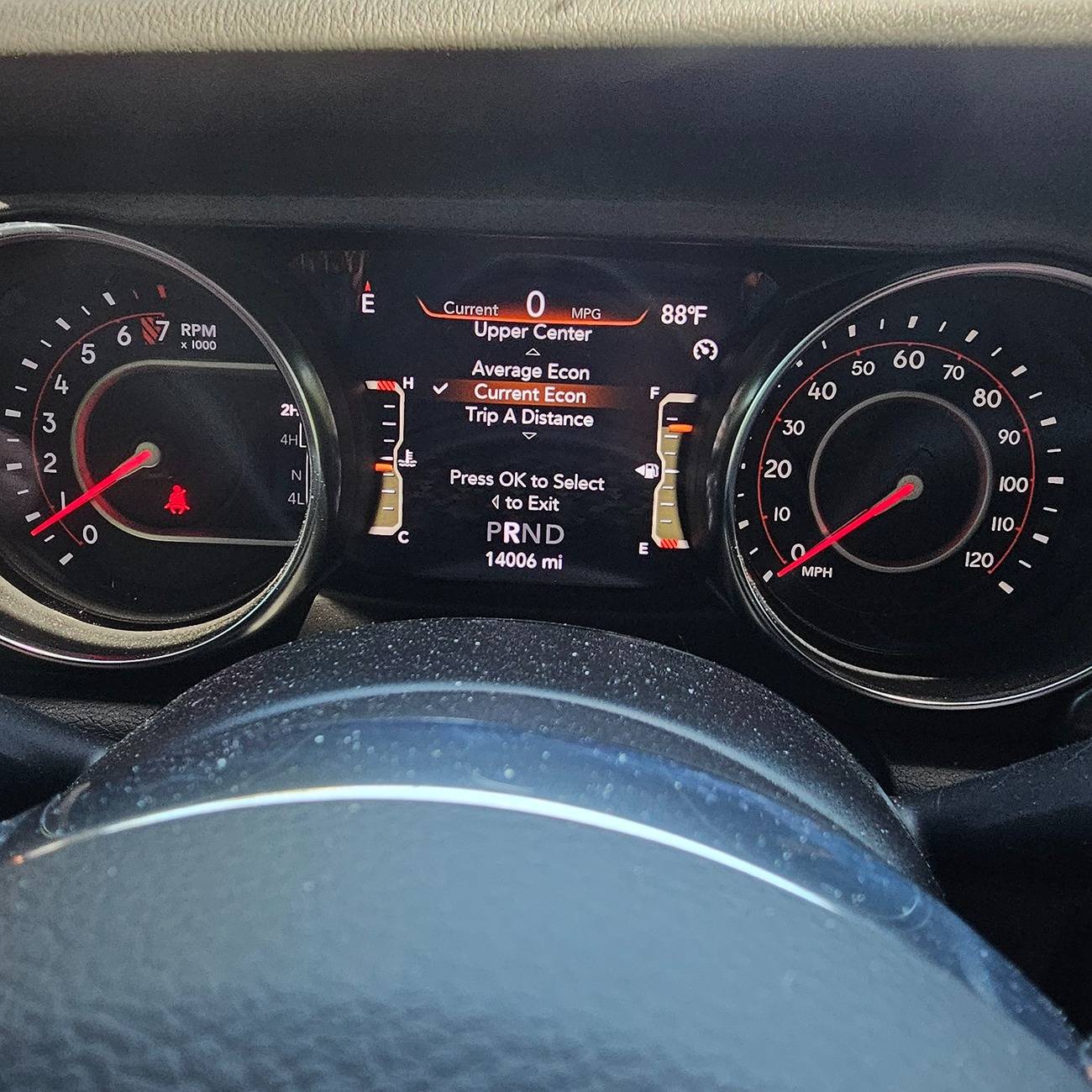
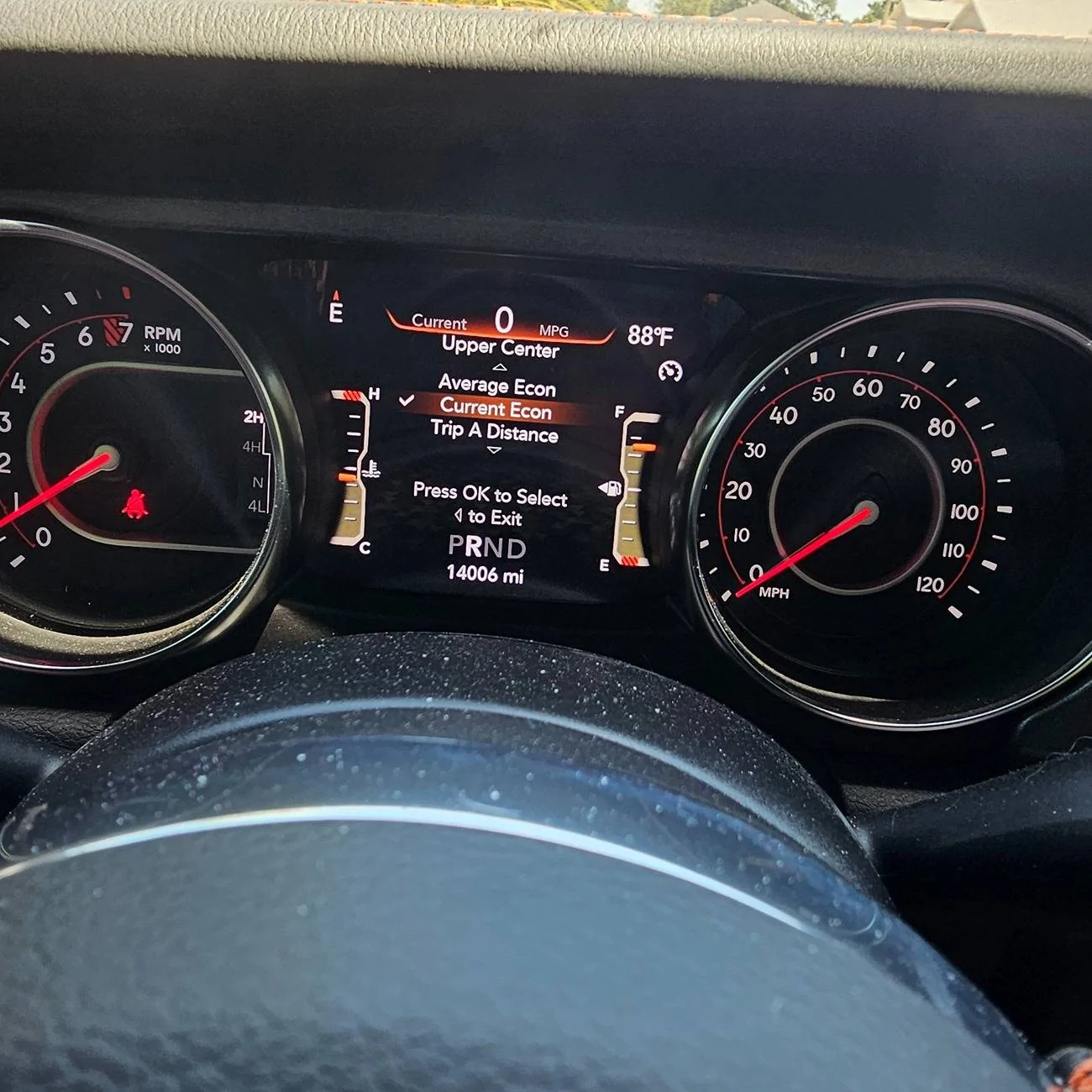
Scroll down and select "Current Econ":
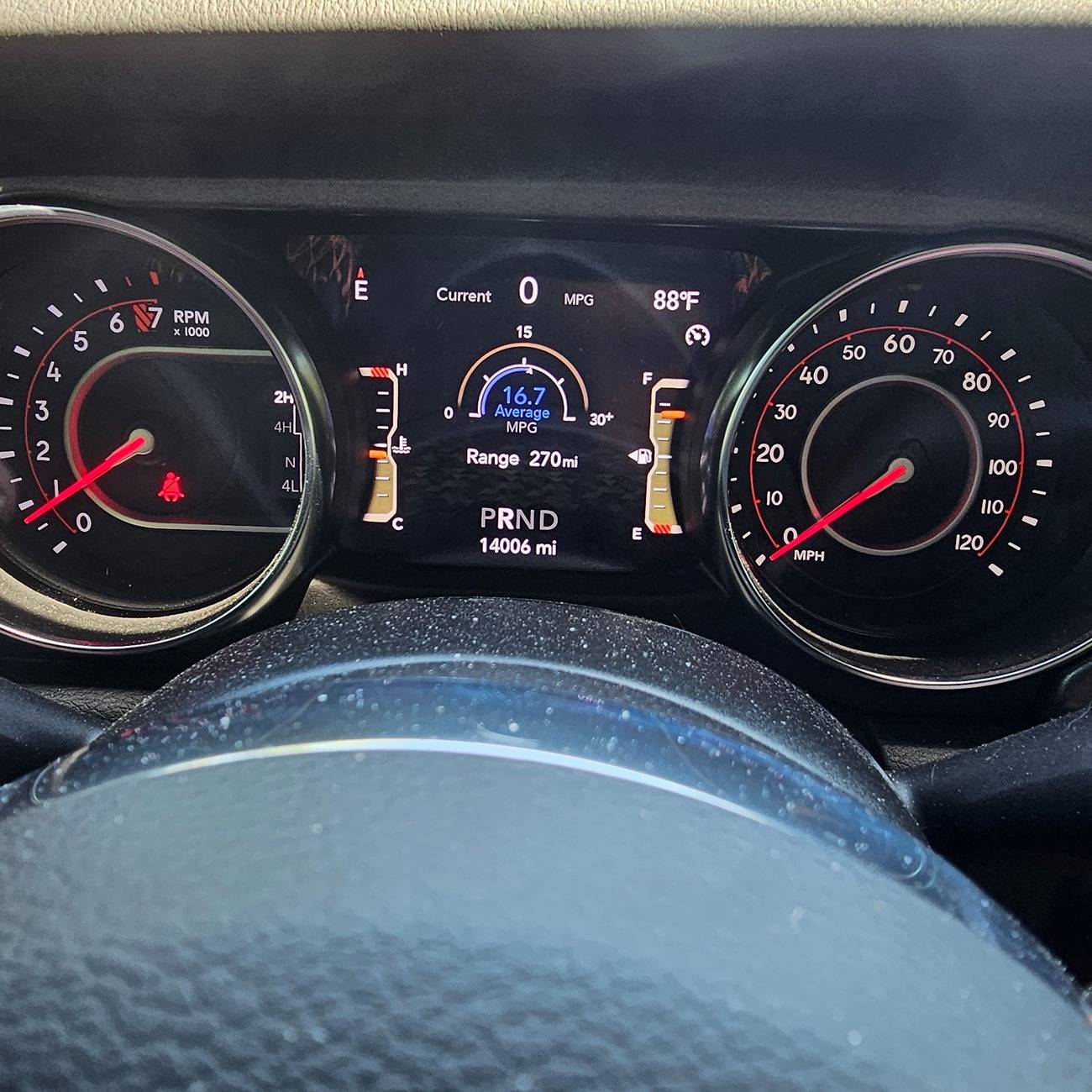
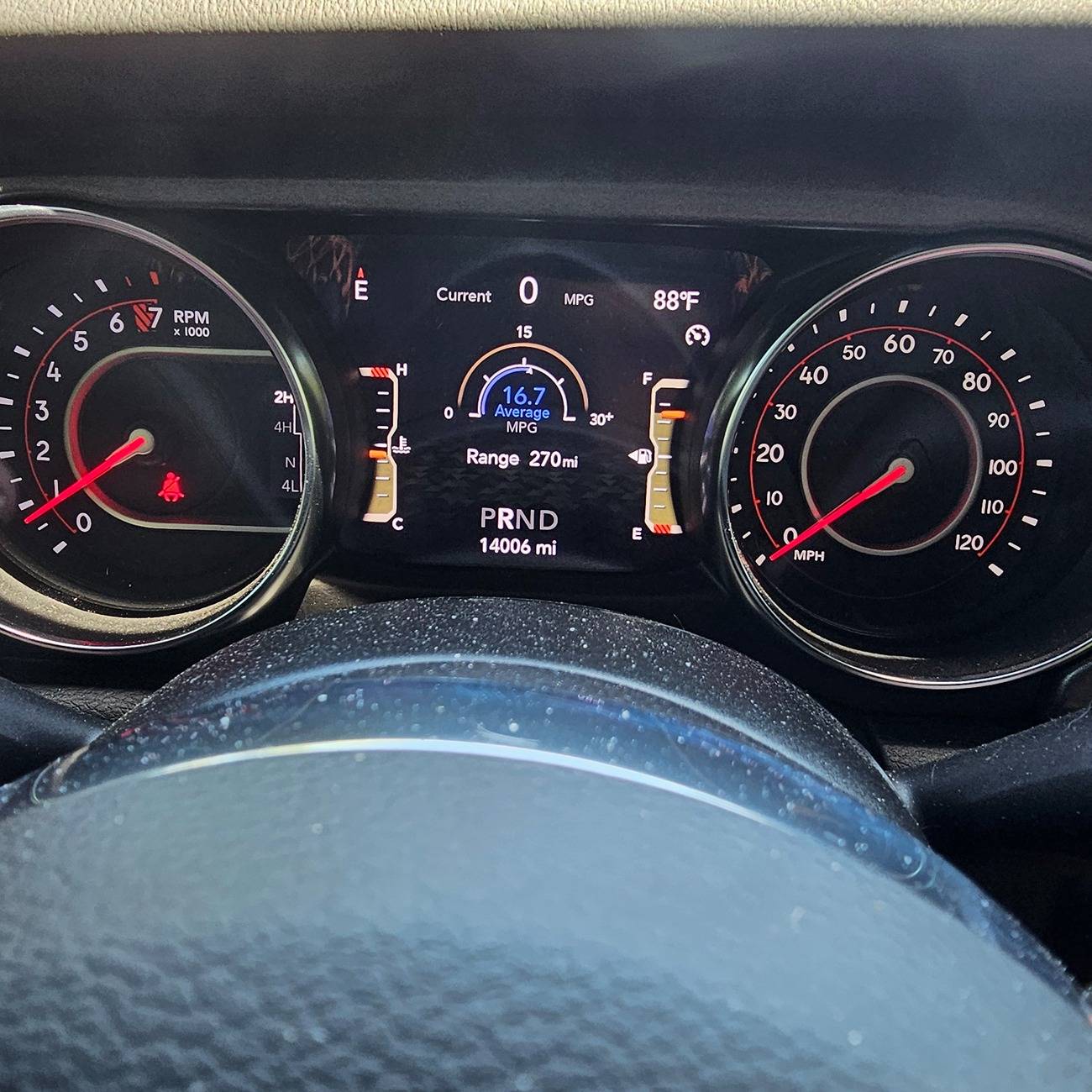
Follow the on screen prompts to exit cluster setup. Then return to Fuel Economy or any other screen. When done, after the screen selection goes away, the Current Economy is displayed at the top center.
Guess you swiped it back! Mine is gone again. I wonder if there is an over the air update that happens to our radio/cars that cause this.Sorry, guess I swiped it from you!
Dude, you’re a geniusGo to the main screen that normally has it on there, if it is showing distance to empty under the MPG gauge, scroll over so that is gone and nothing is showing up under the gauge. Now shut it off and wait till everything is off, lights and dash, restart and it should be there. Let me know if it works for you. It has happened to me twice and both times this fixed it
 that worked!! I struggled with this for 2 years now. Big thanks!!!!
It happened more than once with my 22 and there wasn't any update involved. It simply disappeared. Then came back on its own, and then disappeared later, then came back again later. Sometimes it was days, sometimes it was weeks or longer. The updates are really for the radio bit - doubt you'll see updates for the cluster display OTA.Guess you swiped it back! Mine is gone again. I wonder if there is an over the air update that happens to our radio/cars that cause this.

It worked for me!Right. My ‘24 Rubicon X had it disappear a week ago and the it came back a couple days ago. When it disappears again I’ll try the tip mentioned by Cyberhero in post #126.
That "tip" has bee around a while - it never worked on my 22, maybe you'll be luckier.Right. My ‘24 Rubicon X had it disappear a week ago and the it came back a couple days ago. When it disappears again I’ll try the tip mentioned by Cyberhero in post #126.

Tried this today after work. And it worked. Mine has been MIA for a few months now for the 3rd time. If it disappear again. I'll try it again.Go to the main screen that normally has it on there, if it is showing distance to empty under the MPG gauge, scroll over so that is gone and nothing is showing up under the gauge. Now shut it off and wait till everything is off, lights and dash, restart and it should be there. Let me know if it works for you. It has happened to me twice and both times this fixed it
well I be darned. This worked perfectly. If you’re ever in my area I owe you a beer. Thanks so much for posting.Go to the main screen that normally has it on there, if it is showing distance to empty under the MPG gauge, scroll over so that is gone and nothing is showing up under the gauge. Now shut it off and wait till everything is off, lights and dash, restart and it should be there. Let me know if it works for you. It has happened to me twice and both times this fixed it