OP
OP

Blucid
Well-Known Member
- First Name
- Denis
- Joined
- Sep 15, 2020
- Threads
- 4
- Messages
- 112
- Reaction score
- 139
- Location
- Vancouver // Canada
- Website
- teamgf.org
- Vehicle(s)
- 2020 "Bright White" Jeep Rubicon Gladiator
- Build Thread
- Link
- Thread starter
- #31
Thank you, really appreciate it.Nice thread man.
I am also out in BC, Vancouver Island.
What site/book are you using to plan your trips? Did you come across somewhere that outlines all of these back roads?
Thanks in advance!
There are a lot of things that go into planning a trip. I have a Backroads Map Book and a basic compass just in case everything fails in the car [LINK]. They have several versions of the map depending on your location, well worth the money.
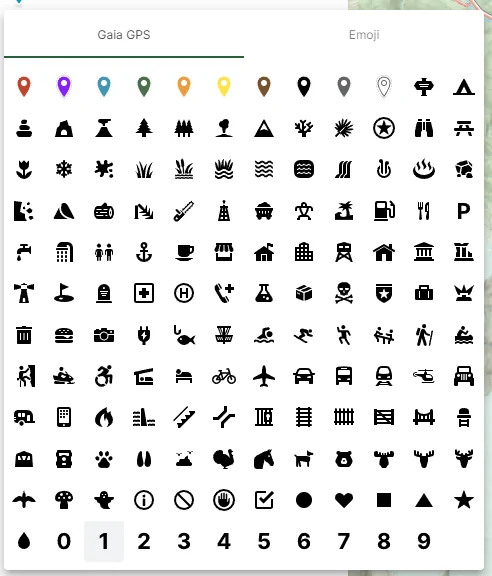
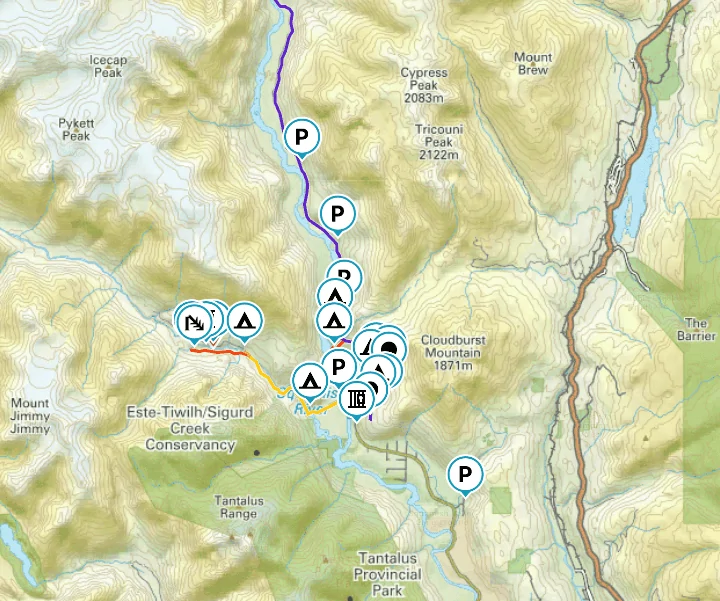
Other then that I mostly use GAIA GPS on the Samsung Tablet and my Phone. Probably one of the best apps to use, you can download sections of maps for offline use, you can record paths, organize everything into categories, put signs and icons and label everything. Also GAIA GPS has, layers you can add onto the maps there is one made by Backroads Map Book, so what you see in the book is also on the map you are looking on your device. Some of the features are paid features, like the layered maps. But the base GAIA GPS map that they are non-stop developing is amazing, we used it for like half a year before I wanted to some of the payed features.
Here is an example of my GAIA GPS with some markers I that I use to organize my routes. You can also see the Backroads Map Book layer on top of this map.
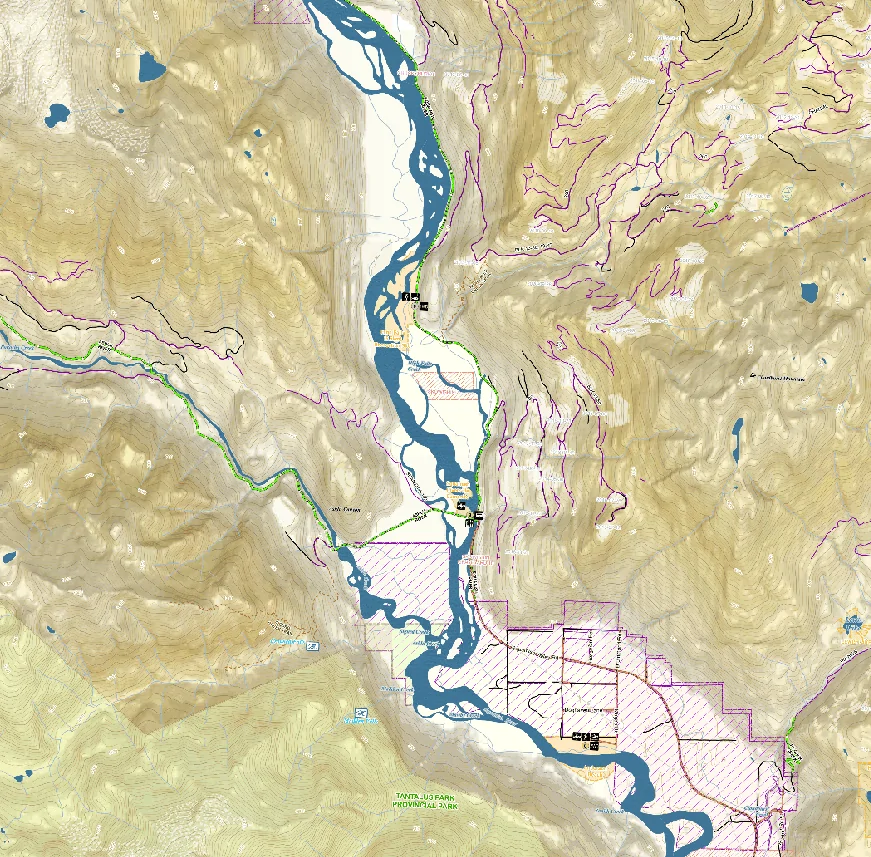
With the payed subscription of GAIA GPS you can load your own layered maps into the app as well. I found TopNotchNav which is created by Mason. He lives in BC and creates detailed maps with loads more information that can not be found anywhere else. You can purchase the maps from him online and then download them and load them into GAIA GPS. Well worth the money, his maps are my main source of navigation within GAIA GPS.
Website: TopNotchNav
Instagram: TopNotchNav
Here is an example of the TopNotchNav map, same area as the above example but as you can see there are a lot more details that are not marked. Like I said well worth the money.
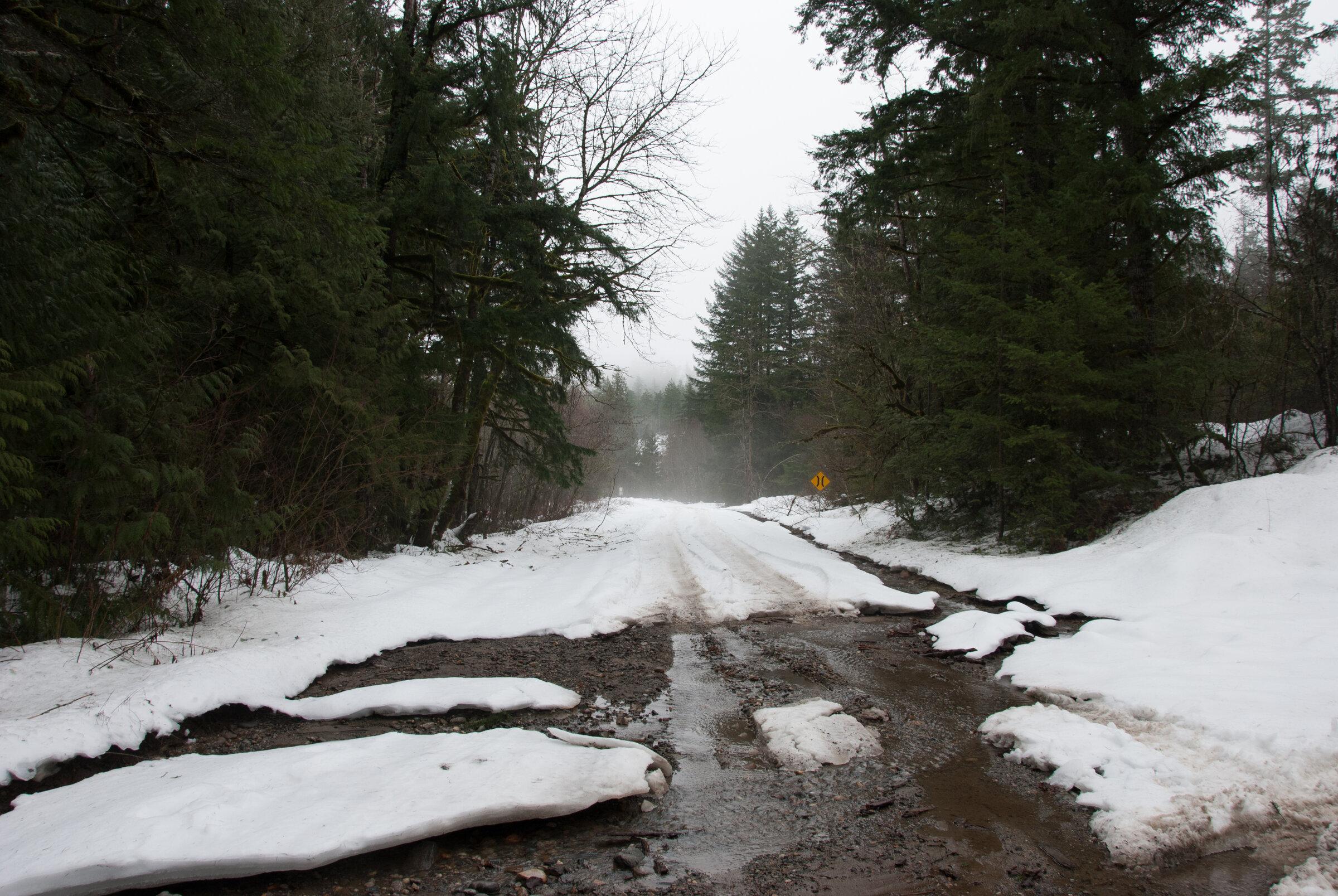
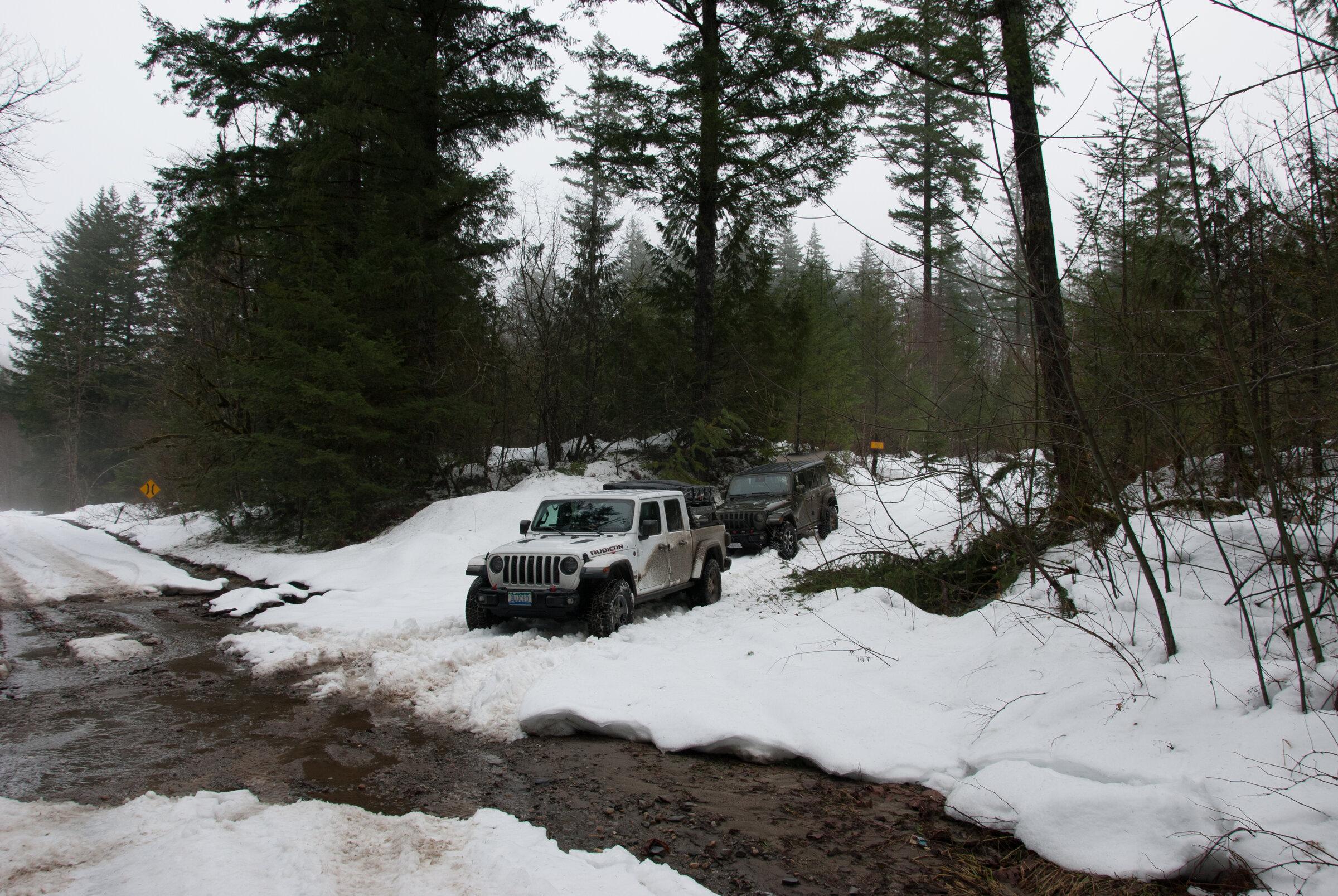
To be honest most of my routes and stuff we explore is quite literally just that, exploring. There is no site to tell you the roads to see and places to visit. Literally just gear up and go explore sometimes you get to a dead end and sometimes you make it to amazing spot. There are times were some of just hang out on Discord, chatting late into the night and I have Google Maps Open on one screen and GAIA on the other, just looking for Forest Service Roads.
Sponsored
Last edited:
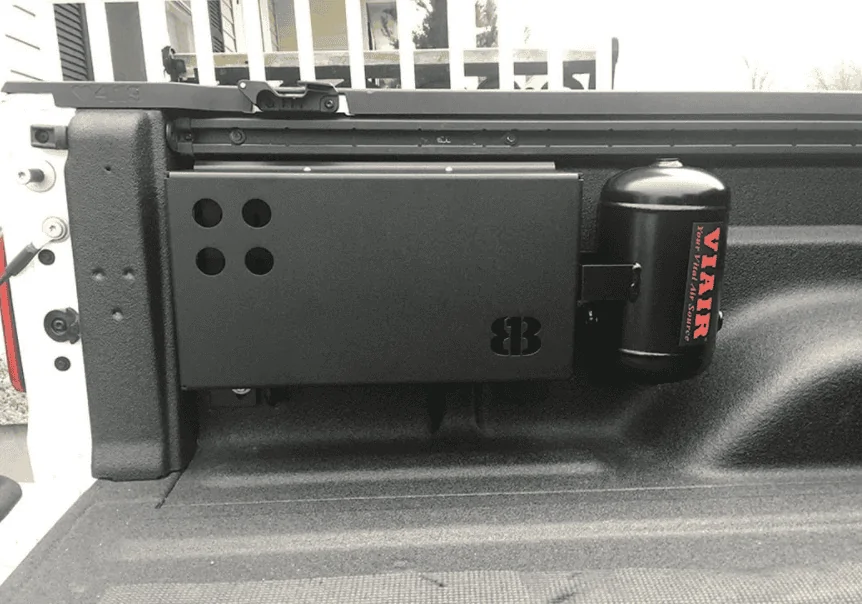
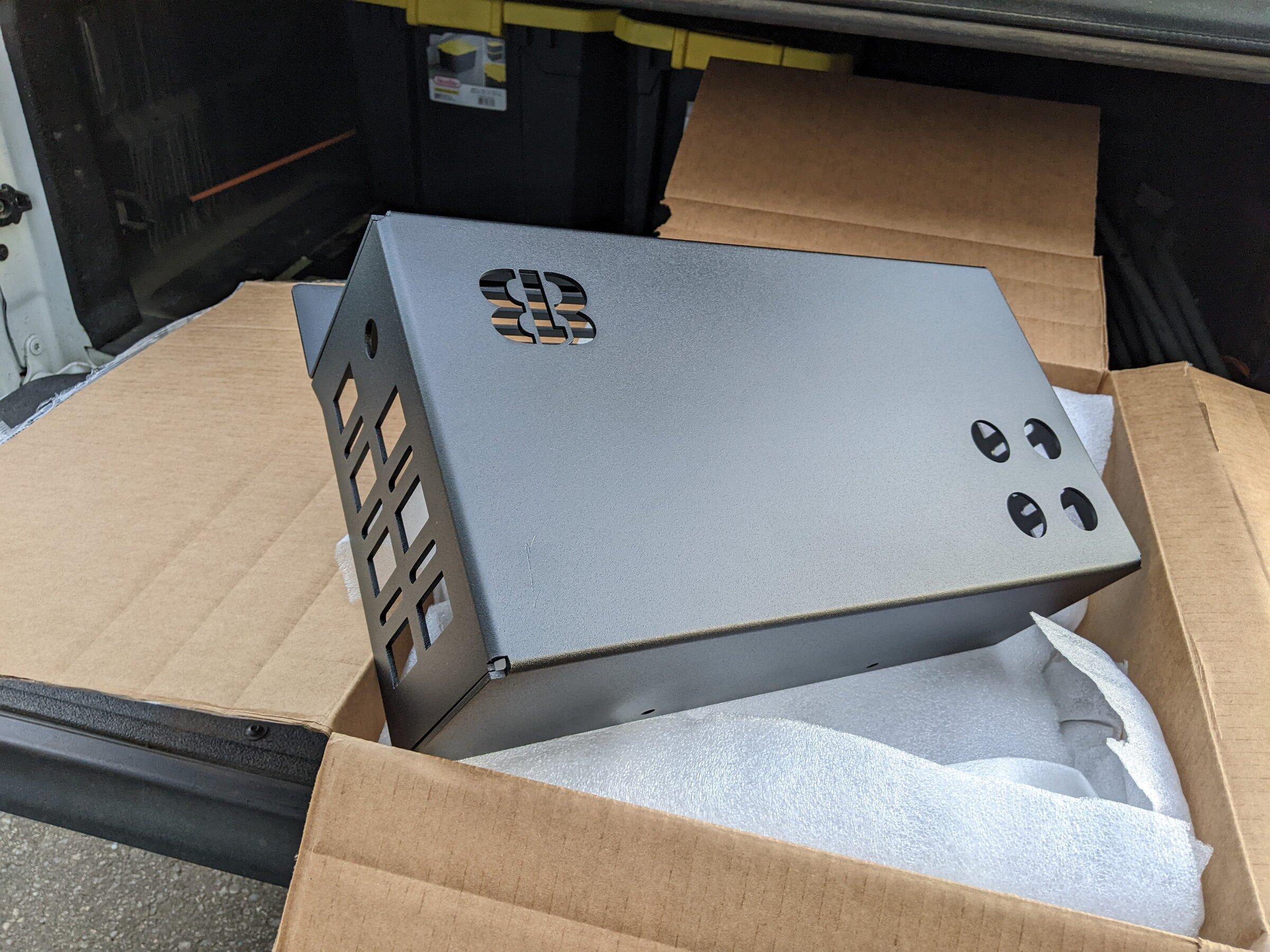
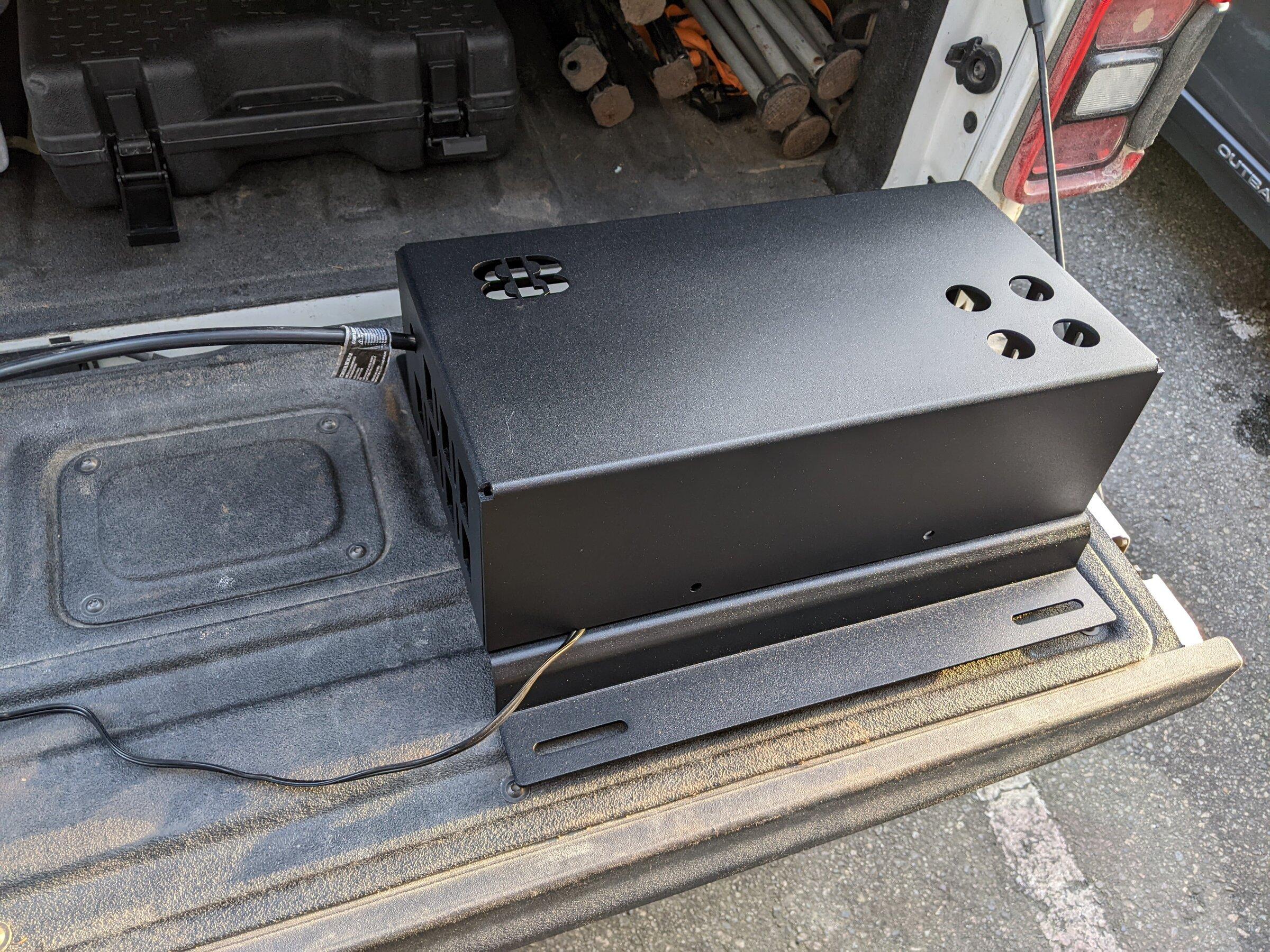
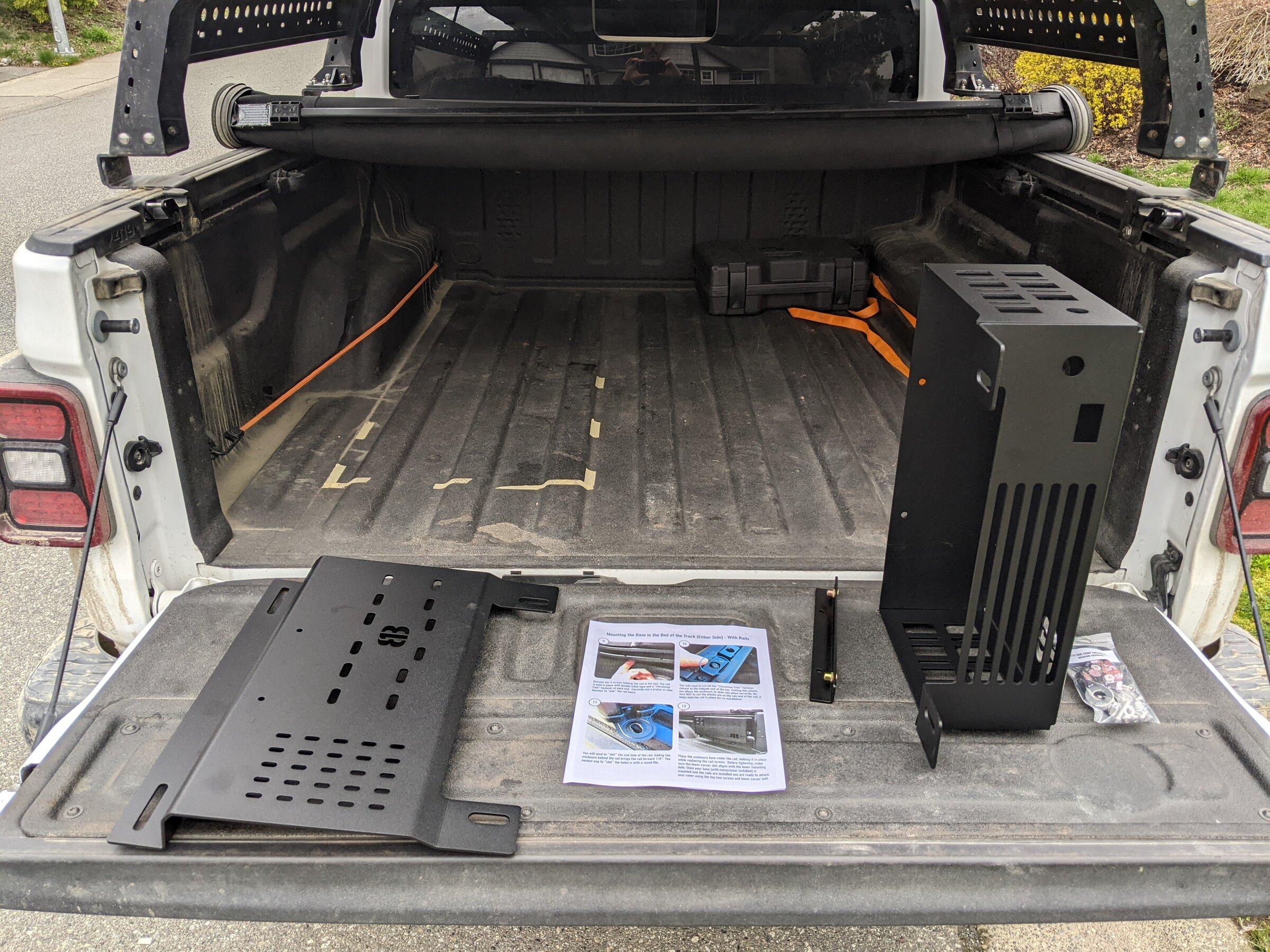
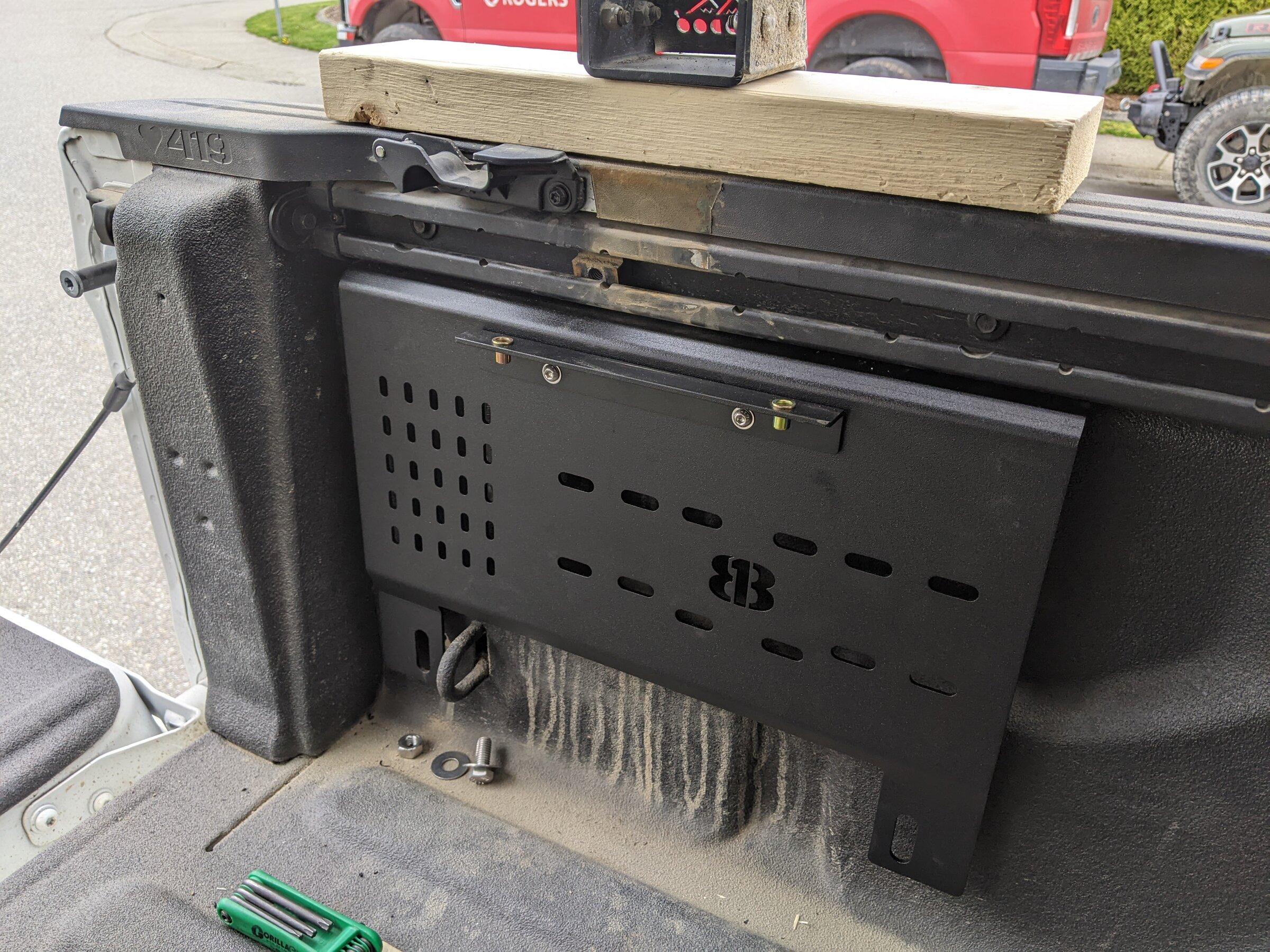
 The mid-size enclosure (
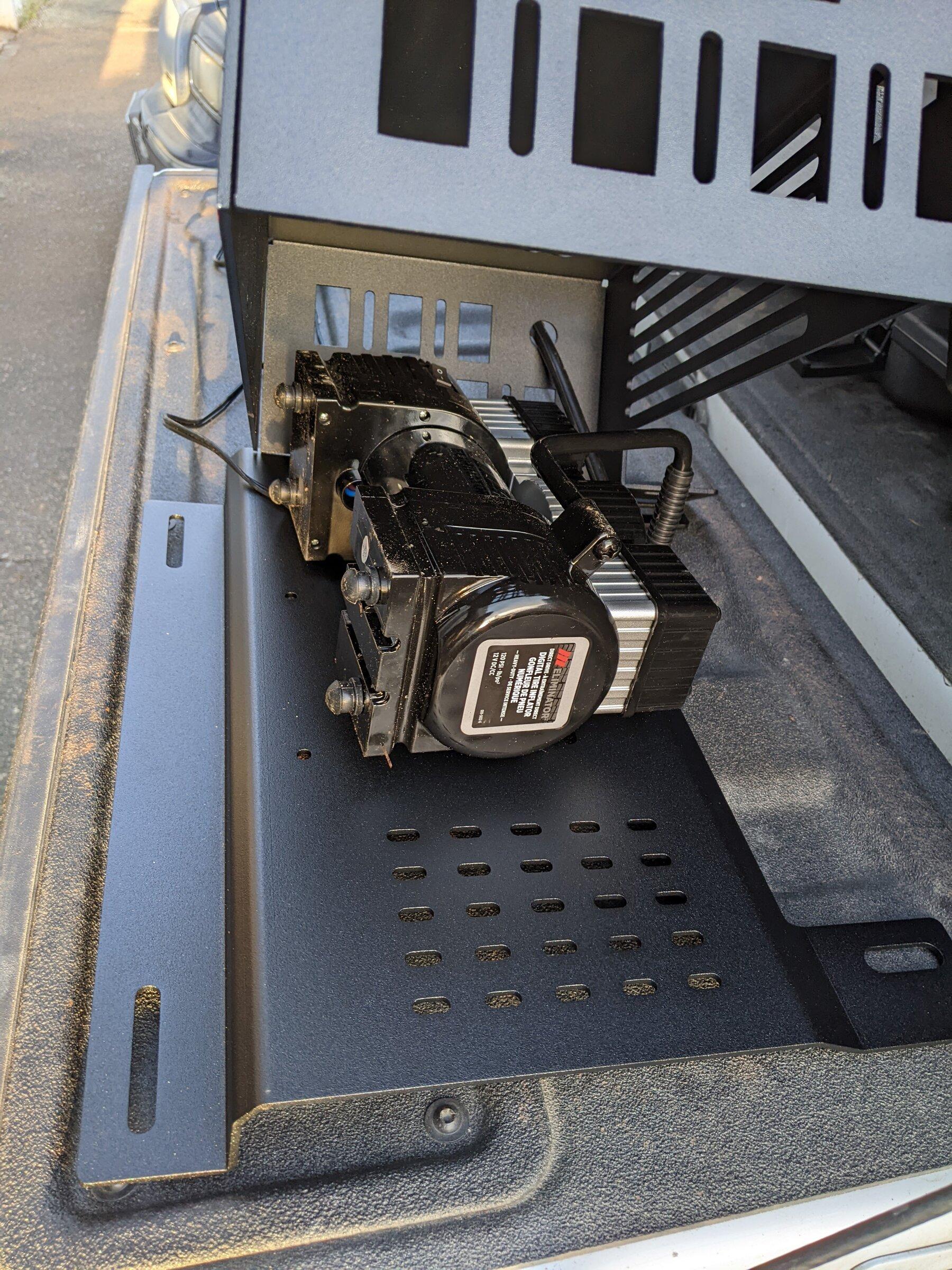
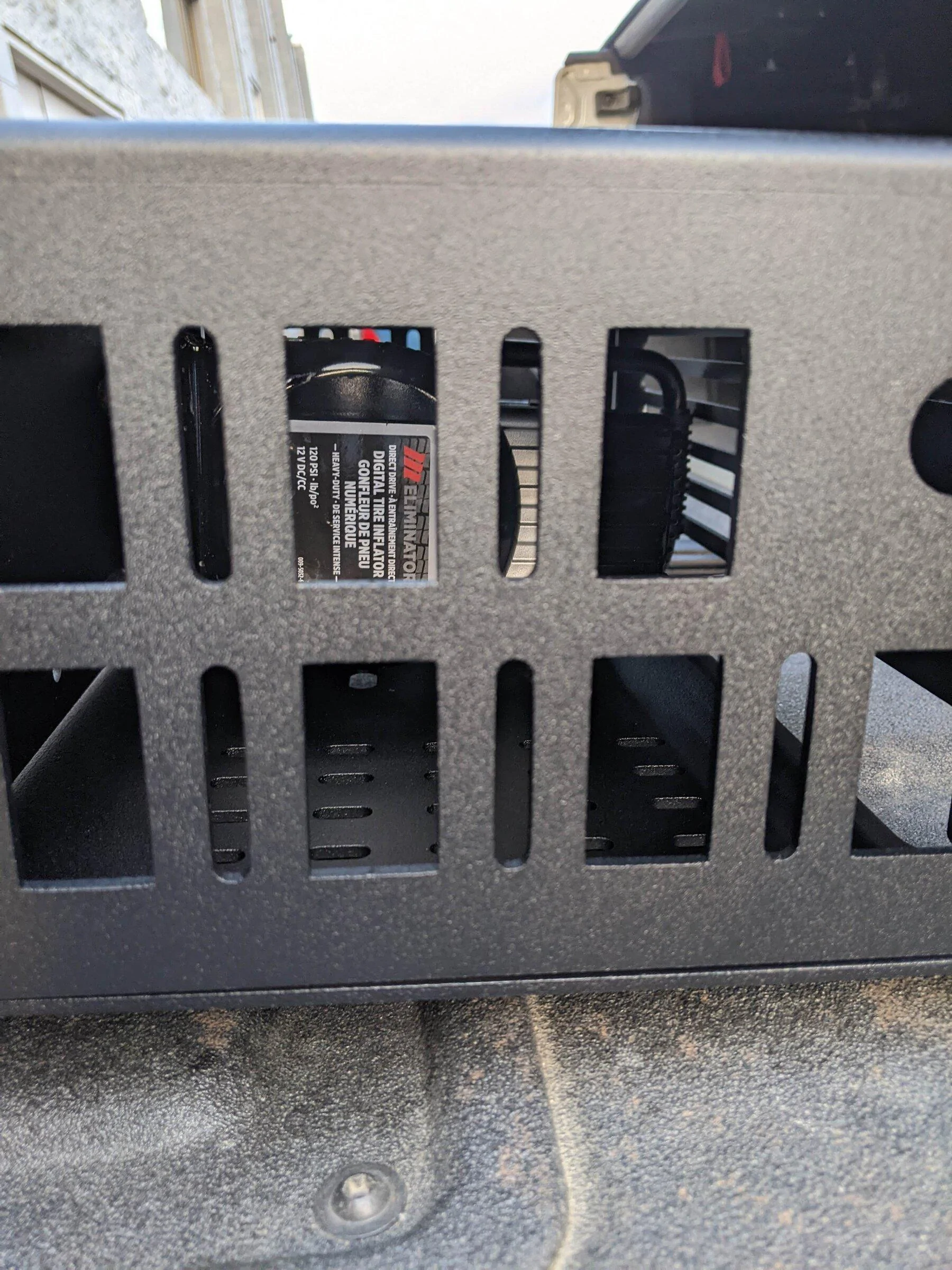
 The full-size enclosure (