Sponsored

My OEM Front Trail Cam install thread

Alc

Well-Known Member
First Name
Doug
Joined
Apr 30, 2023
Threads
7
Messages
173
Reaction score
144
Location
USA
Vehicle(s)
Jeep Gladiator
Okay, so this will blow some minds. The center arm rest/console has its own wire harness specific to options from the factory. For example, mine is fully loaded (except front trail cam of course) and the wire harness part number is 68493761AC. I’m willing to place a wager for a six pack that the JL fully loaded with CVPM/trail cam has a specific wire harness that would work perfectly in our JT even further simplifying this install. Unfortunately I can’t find part descriptions for the differing wire harnesses on any MOPAR site to confirm like I did the center console.
Sponsored

 

Alc

Well-Known Member
First Name
Doug
Joined
Apr 30, 2023
Threads
7
Messages
173
Reaction score
144
Location
USA
Vehicle(s)
Jeep Gladiator
Special thanks to to the true geniuses that led this mod:
@ecidiego
@Jimmy07
@DailyDrivenTJ

What I did different (this is a JTRD):
1. Found a way around the firewall (much easier)
2. Mounted CVPM under center console using JL Center Console...definitely worthwhile

The only thing I'm not proud of is my power source. It works but I think I can do better so if anyone out there knows how to access the x401A harness located against the firewall forward of the right dash speaker let me know. The other option would be to somehow install the power source into fuse box (like from the factory) but that involves taking apart the fuse box to access under the fuses/motherboard which is out of my league without guidance.

Hope the PDF attachment guide helps...
 

Attachments

Last edited:

luckblackbird

Member
First Name
Ugur
Joined
Oct 19, 2022
Threads
2
Messages
14
Reaction score
4
Location
Dubai
Vehicle(s)
Mojave / Sand Runner
....

View attachment 229961

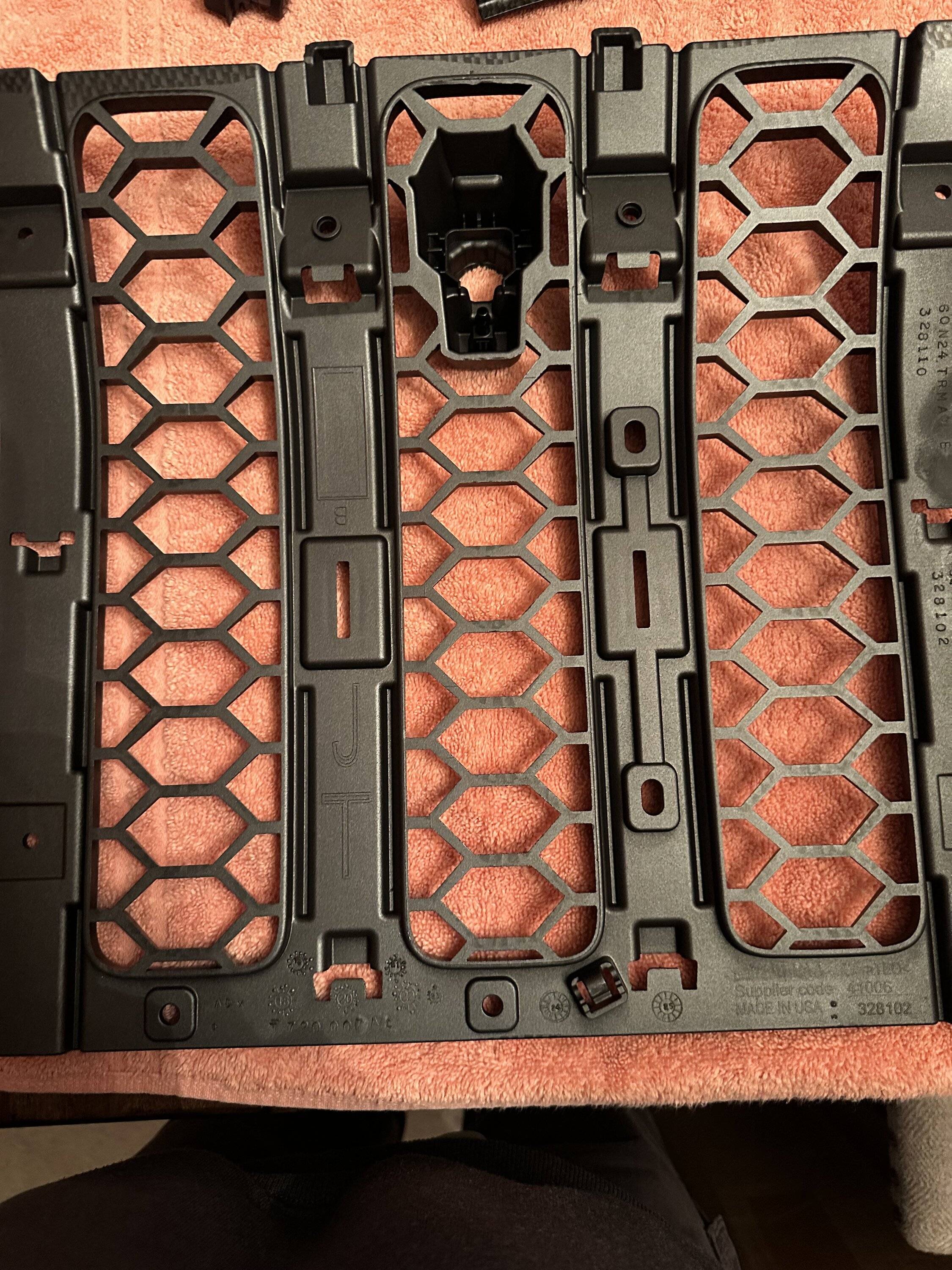
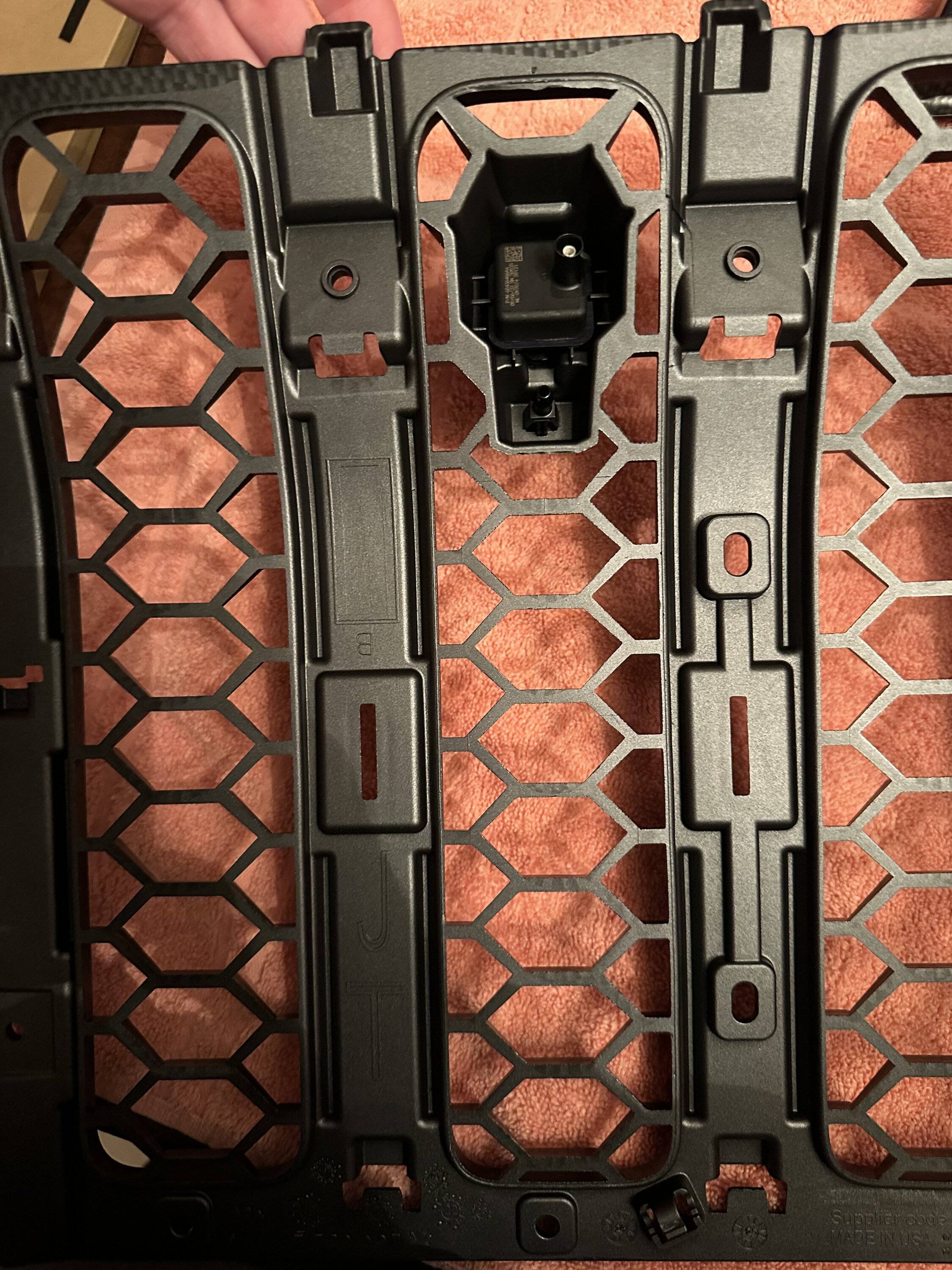
Break the front and rear sill down this far, so you can neatly route the camera and power cables.

View attachment 229962

View attachment 229963

Break the rear down this far. The CVPM will go in the currently empty space in the middle.

View attachment 229964

Wiring:


Washer hose detail:


Done:

Hi there, I cannot watch the media files i.e. youtube videos:. Getting a "video unavailable, this video is private " error msg. Will you be able to fix it? Regards
 

luckblackbird

Member
First Name
Ugur
Joined
Oct 19, 2022
Threads
2
Messages
14
Reaction score
4
Location
Dubai
Vehicle(s)
Mojave / Sand Runner

Alx63

Active Member
First Name
Alex
Joined
May 15, 2025
Threads
0
Messages
42
Reaction score
23
Location
Katy
Vehicle(s)
Mojave
Occupation
IT
Can anyone tell me where the jumper harness for the washer pump plugs into at the other end?
I’m having trouble tracing the existing harness from the pump back
Thanks!

IMG_6525.jpeg


IMG_6526.webp
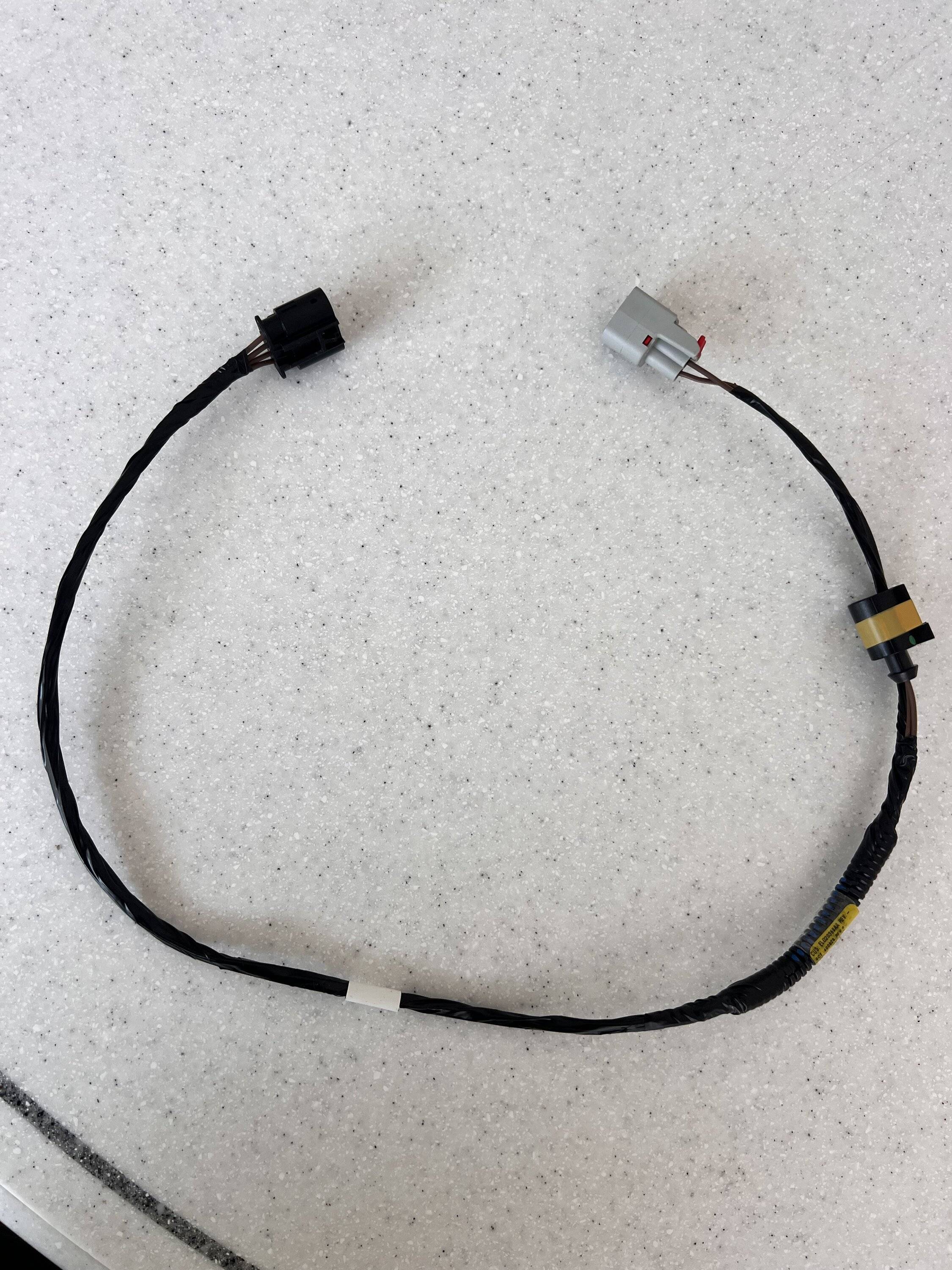
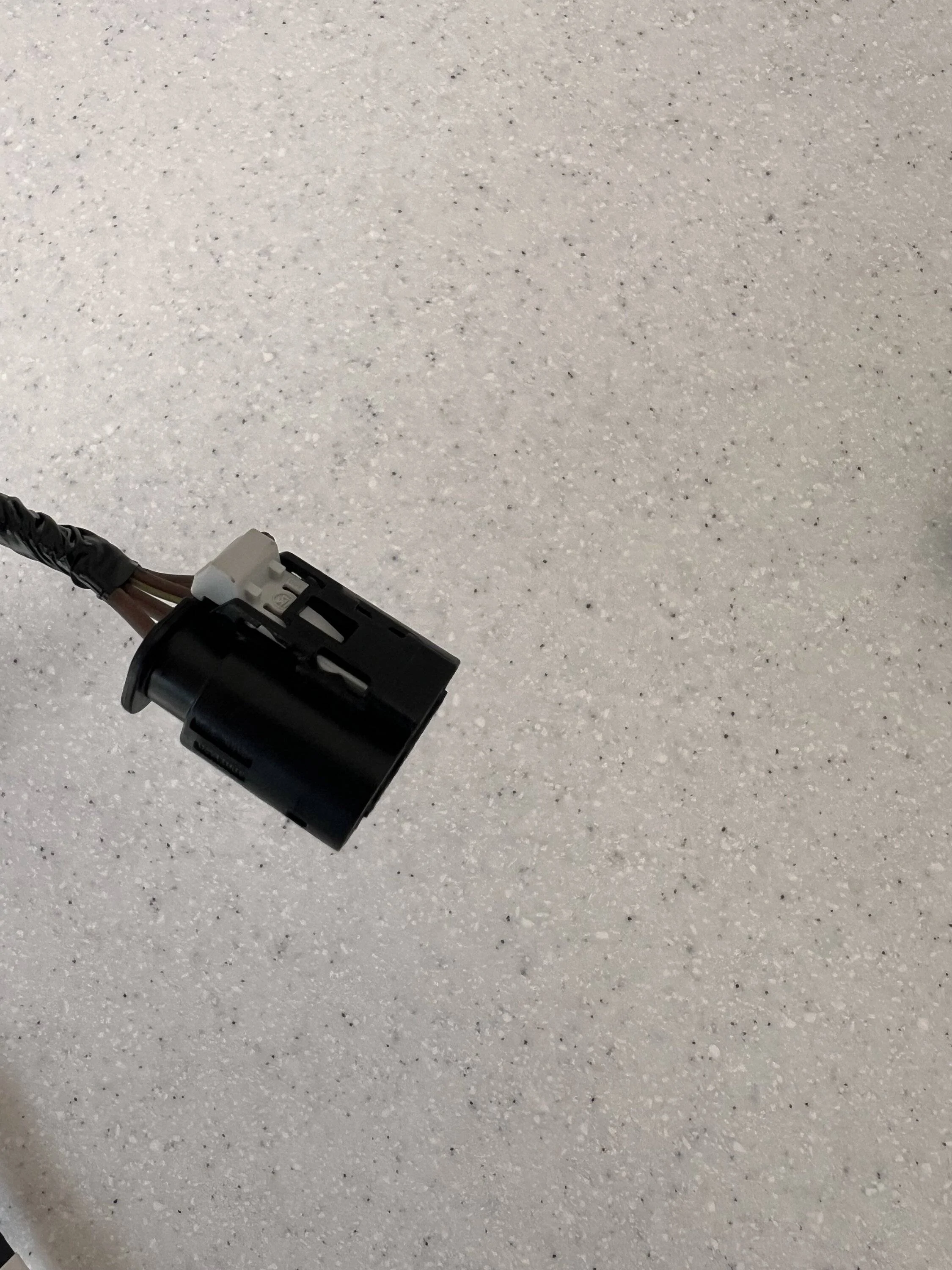
It replaces the original jumper, follow it from the pump to the driver side fender. Black one goes to the fender side, the one with yellow tape to top of pump and the grey one to the washer reservoir. Hard to get to. If you have thin arms its much easier.
 
Last edited:

Sponsored

Alx63

Active Member
First Name
Alex
Joined
May 15, 2025
Threads
0
Messages
42
Reaction score
23
Location
Katy
Vehicle(s)
Mojave
Occupation
IT
hahah

Dude the job is so easy once you figure out all the gotchas - which took hours - but I am stoked I now have this damn camera on the truck. Biggest regret of buying a truck off the lot was it didn't have Aux switches and Trailcam. Did em' both. Have the scars.
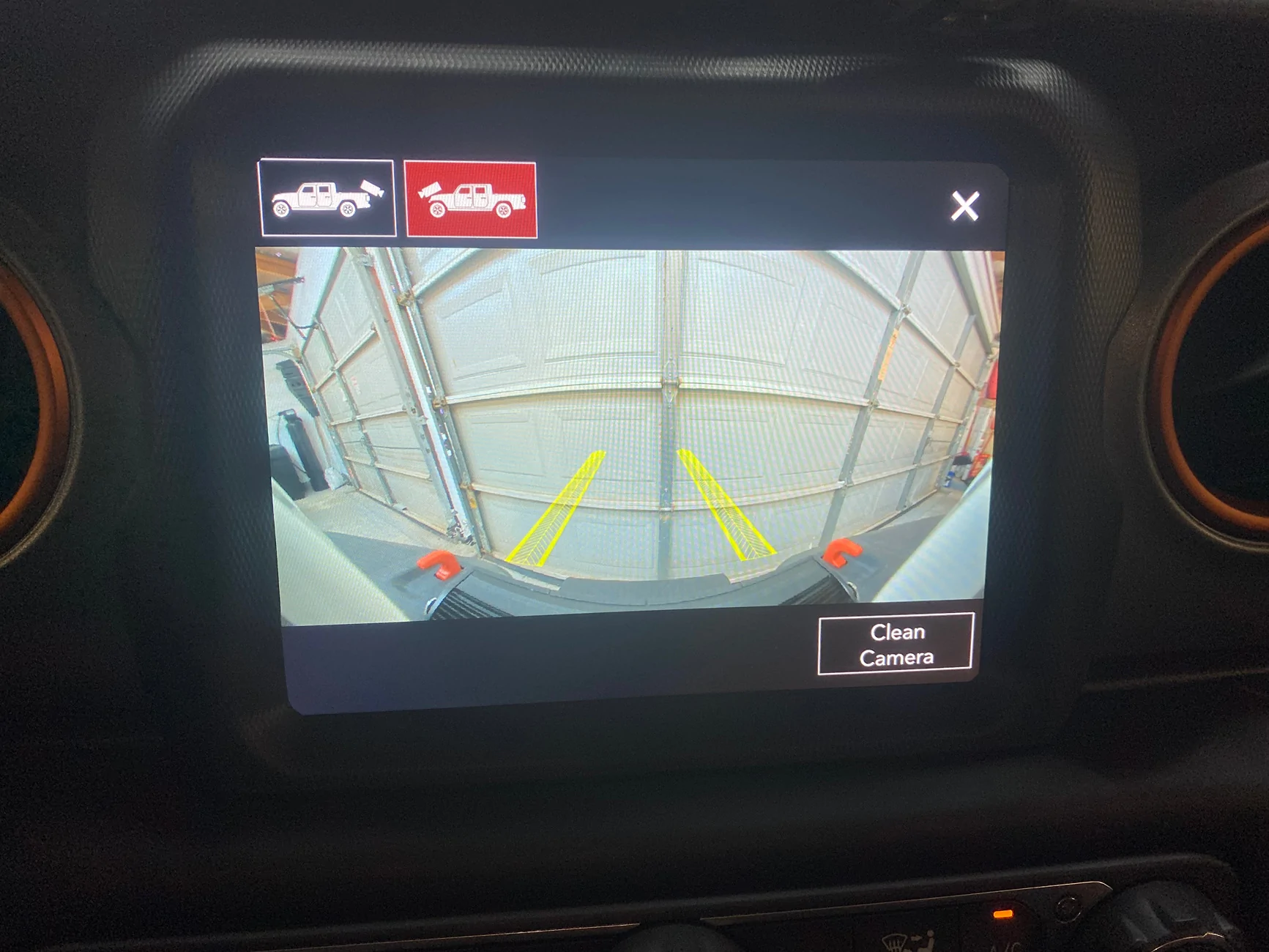
Question: I have completed the install but I'm getting a blue screen when I try to access the rear camera. Did you experience this issue.
 

Alc

Well-Known Member
First Name
Doug
Joined
Apr 30, 2023
Threads
7
Messages
173
Reaction score
144
Location
USA
Vehicle(s)
Jeep Gladiator
Go back through your setting for the BCM and just make sure they are correct. If those are correct you’re not going to like the next challenges.
1. Did you get the correct CVPM if you did not you’re sunk.
2. The power supply to/from CVPM could be another problem.
3. Lastly, make sure the CVPM connector into the BCM in the glove compartment is not loose and is clicked in tightly.

let us know if we can help further
 

Alx63

Active Member
First Name
Alex
Joined
May 15, 2025
Threads
0
Messages
42
Reaction score
23
Location
Katy
Vehicle(s)
Mojave
Occupation
IT
Go back through your setting for the BCM and just make sure they are correct. If those are correct you’re not going to like the next challenges.
1. Did you get the correct CVPM if you did not you’re sunk.
2. The power supply to/from CVPM could be another problem.
3. Lastly, make sure the CVPM connector into the BCM in the glove compartment is not loose and is clicked in tightly.

let us know if we can help further
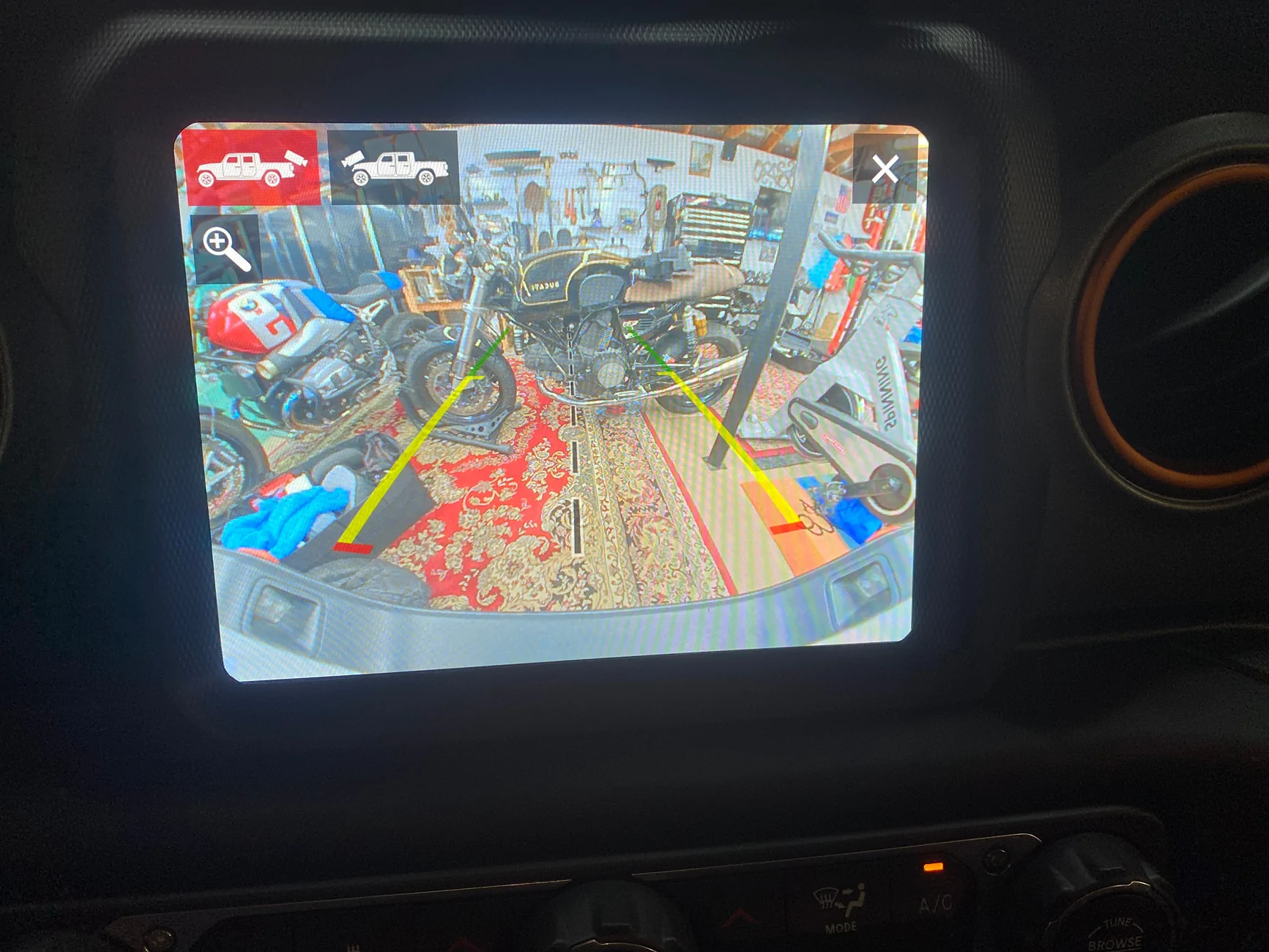
I went through the CVPM and found I had missed a few on the list. It took 24 hours to sync up. In the morning I had video on the rear but no front camera icon on u connect. Around 5PM CST booth were there and work. One thing, in reverse if I switch to front it works. I try to go back to rear camera view it goes blue. however if I go to Park and back to reverse it comes up. Can switch rear to front view in Park too. Going to go over the setting again I am using ODB JScan to change settings. Thanks for the pointing me in the right direction. One more question is the new rear camera not as high def as the original rear camera?
 

Sponsored

Alx63

Active Member
First Name
Alex
Joined
May 15, 2025
Threads
0
Messages
42
Reaction score
23
Location
Katy
Vehicle(s)
Mojave
Occupation
IT
These are the settings. I've seen those who add the front trailcam give up on Jscan and use AlfaOBD. If you know of a success of a person adding it and using Jscan....lemme know ...it would be a big deal for people.

You MUST set the 2 rear camera present settings to NO. That setting, if YES, tellls the Uconnect to switch to its direct camera input logic which doesn't understand the CVPM output. NO lets Uconnect know ALL camera port input is CVPM decoded already. Your blue screen leads me to believe Uconnect/BCM is not completely configured.

View attachment 442877
It's all working as it should, the cameras both work and the washer. Thank you for all the advise.
 
OP
OP

ecidiego

Well-Known Member
First Name
Chris
Joined
Nov 3, 2021
Threads
62
Messages
3,625
Reaction score
5,580
Location
San Diego
Vehicle(s)
2021 Gladiator Mojave
Occupation
IT
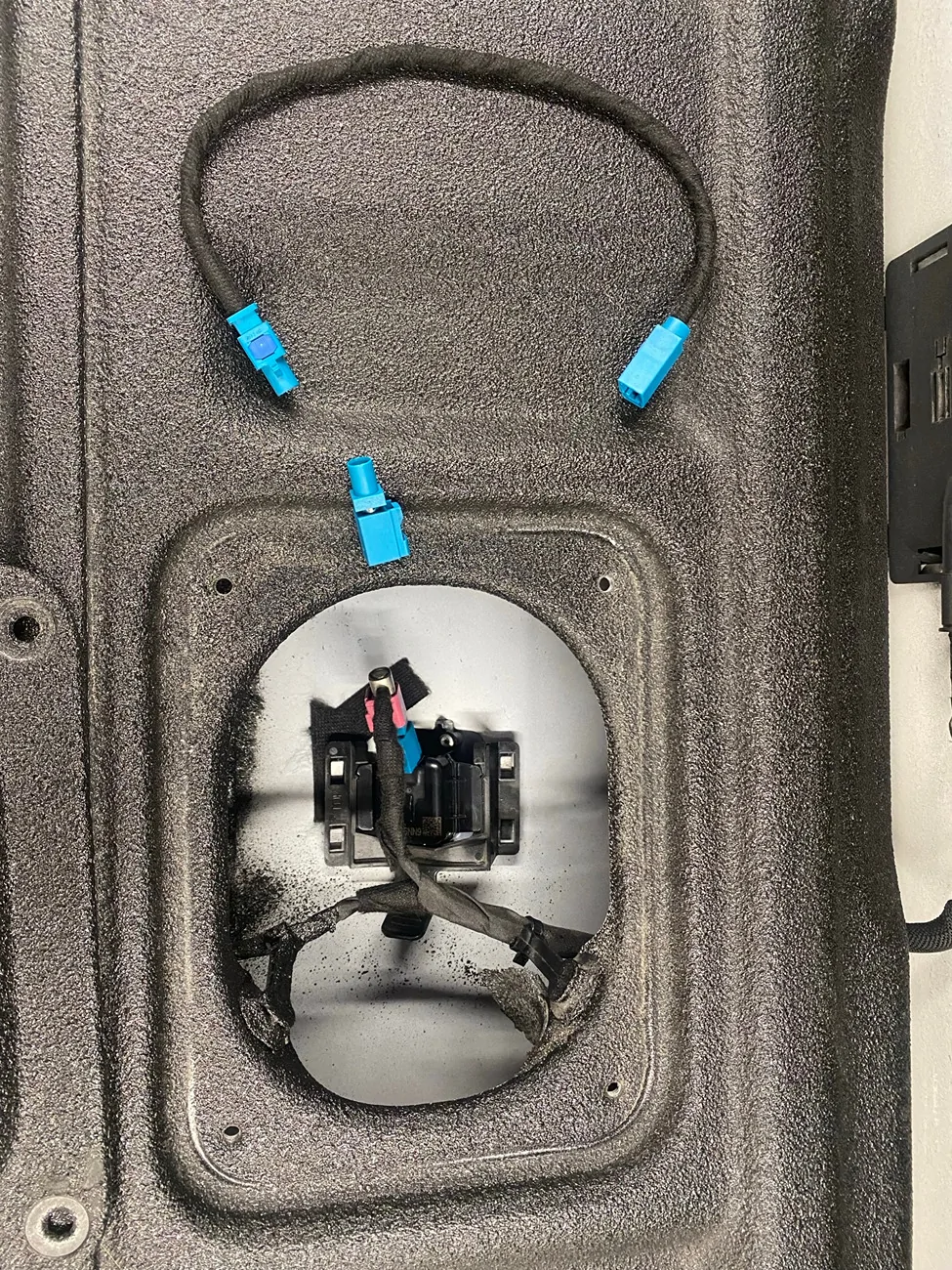
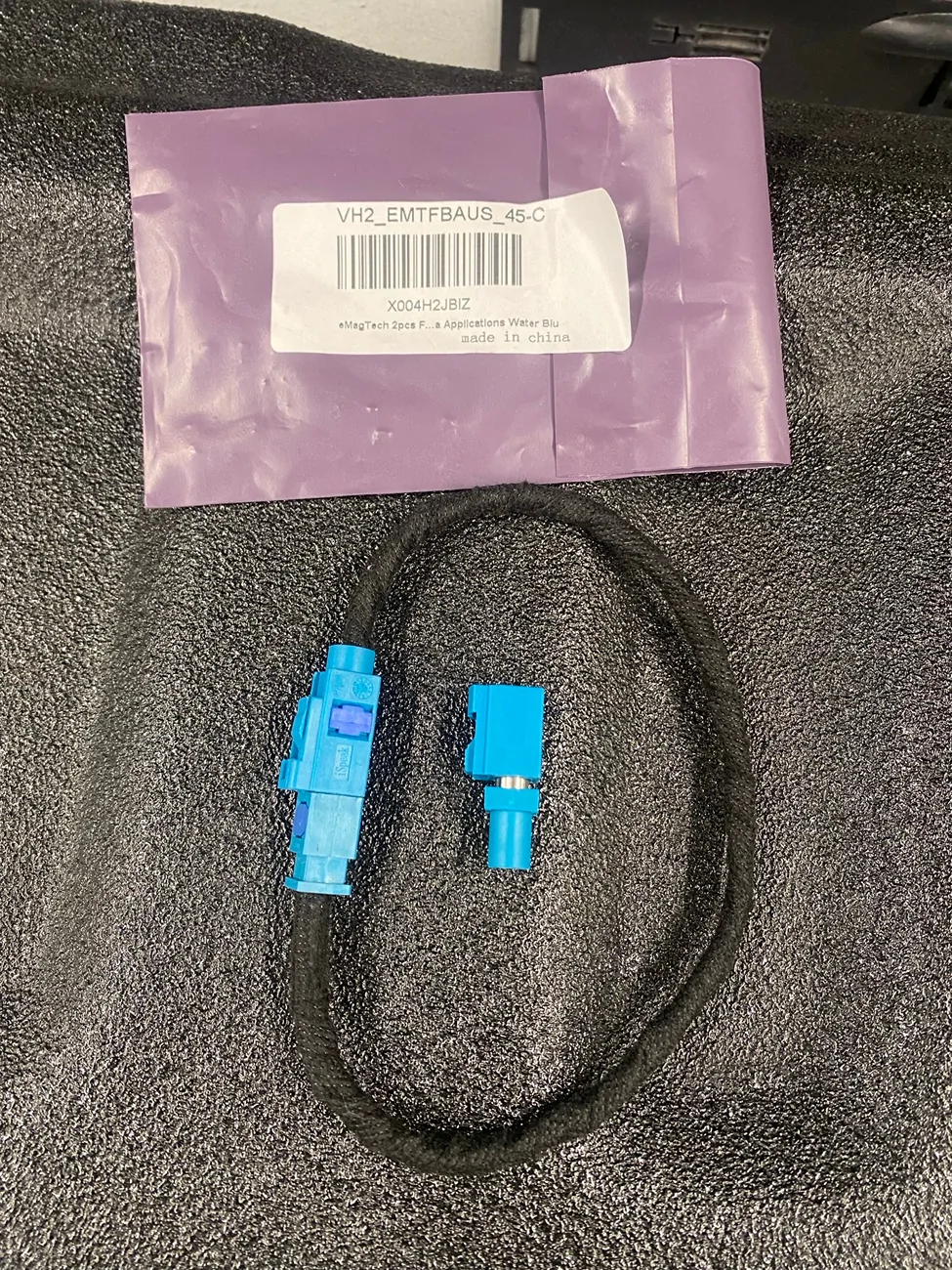
Nice. Good idea on the tailgate cable.
Sponsored


Top